

iMounts MacBook Air USB C hub Sky Blue - HDMI, USB, SD reader, Thunderbolt
NEW! The unique Sky Blue color 🩵
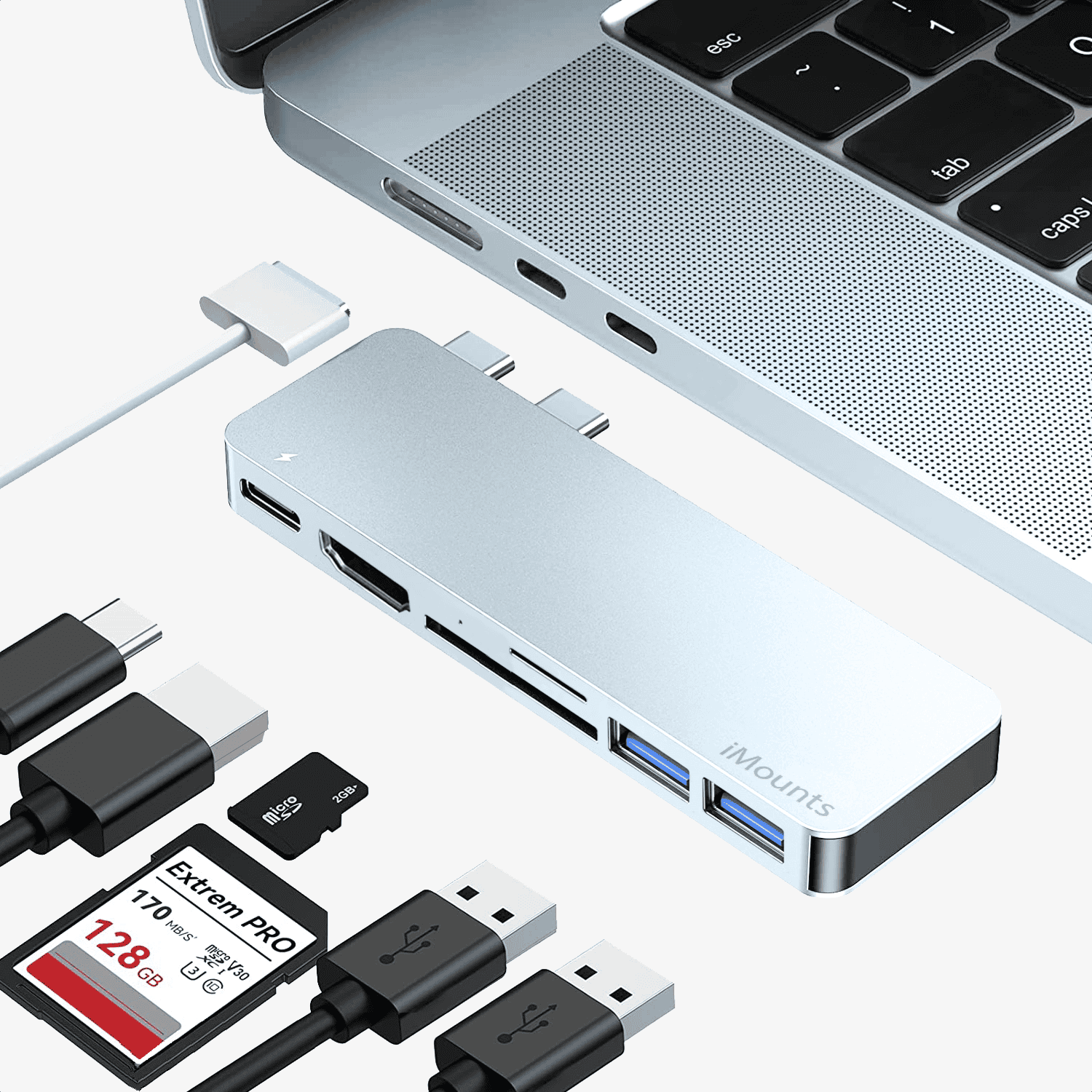
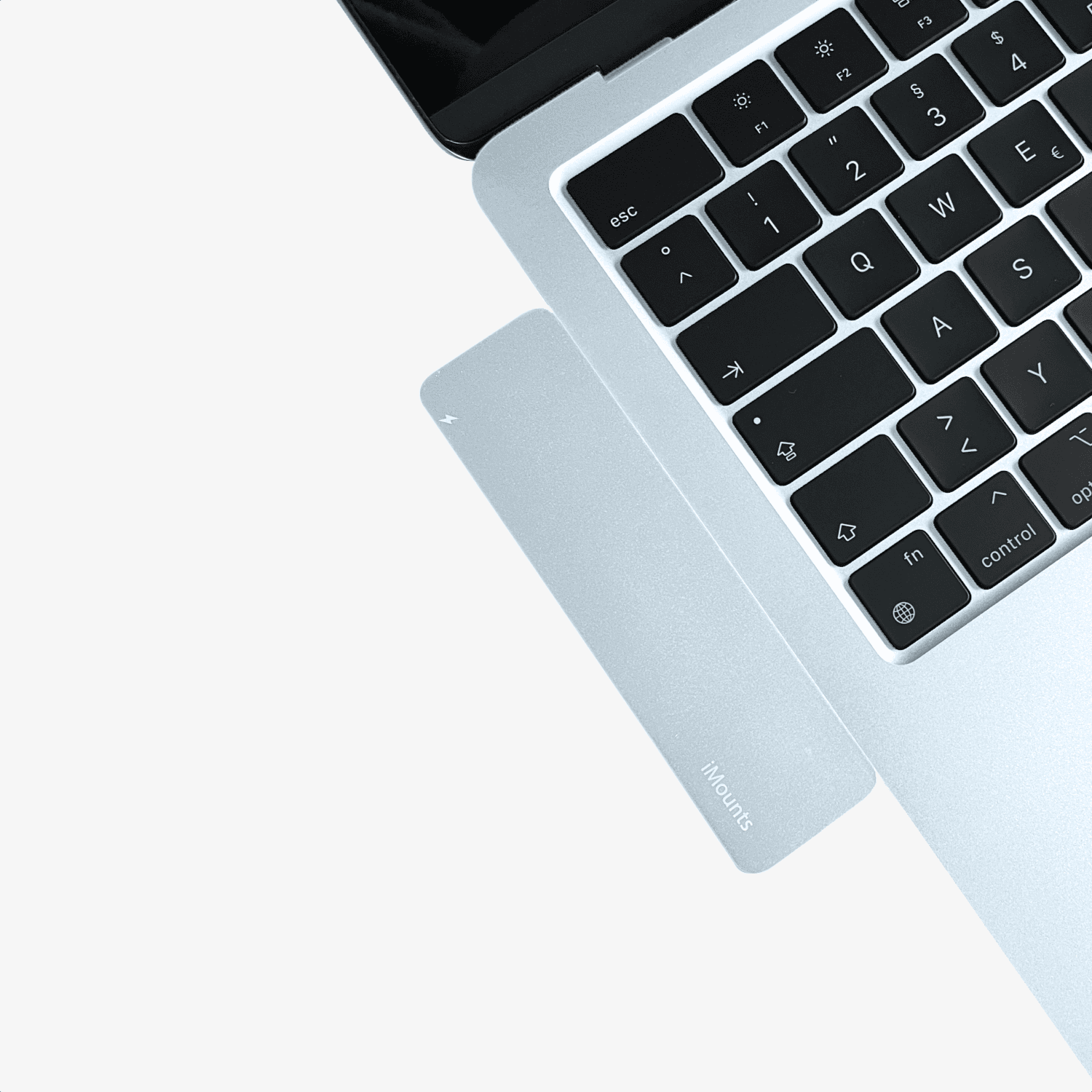
- Unique in Sky Blue: Specially designed for the MacBook Air M4 13" and 15" (2025) in the color Sky Blue . Perfectly matches the MagSafe 3 design.
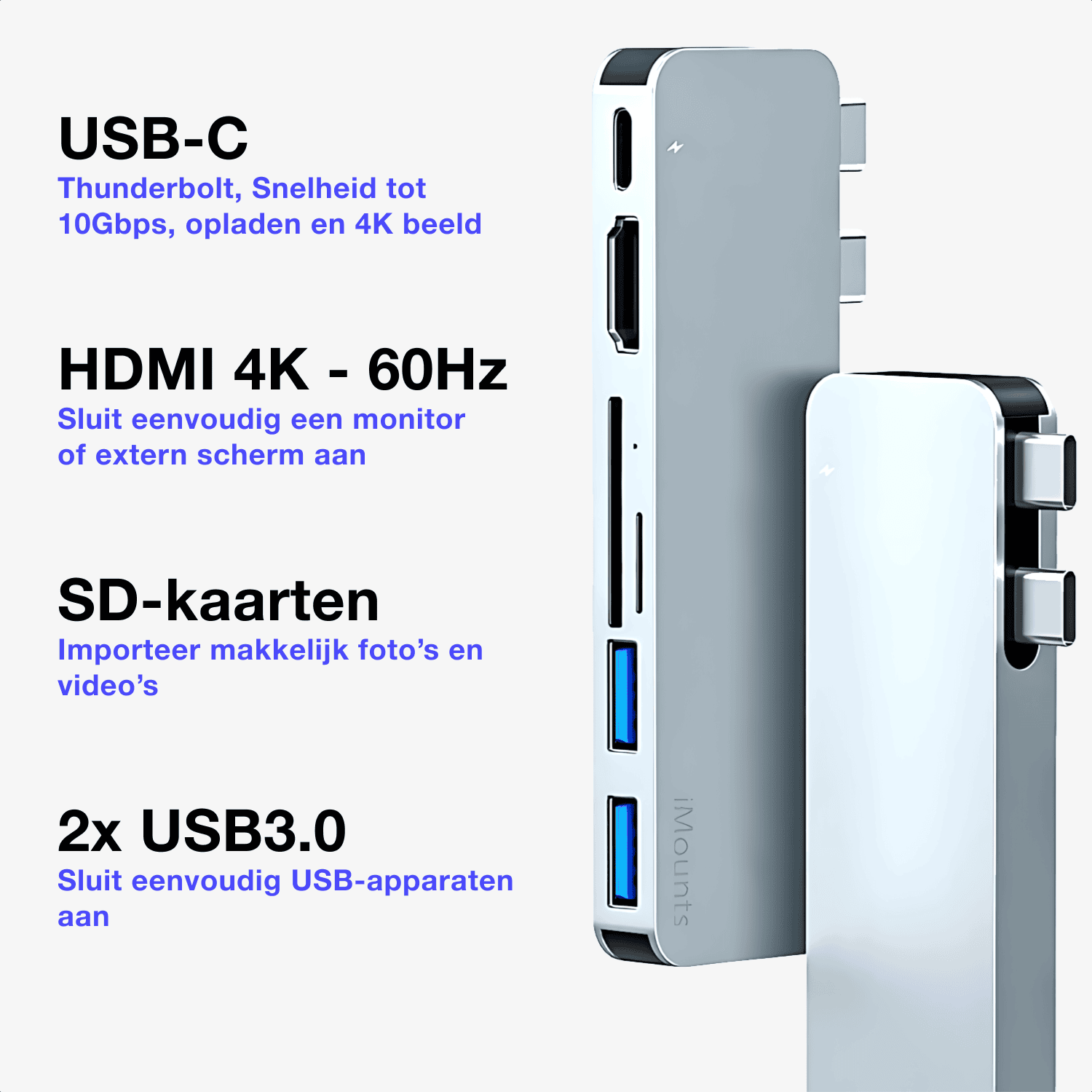
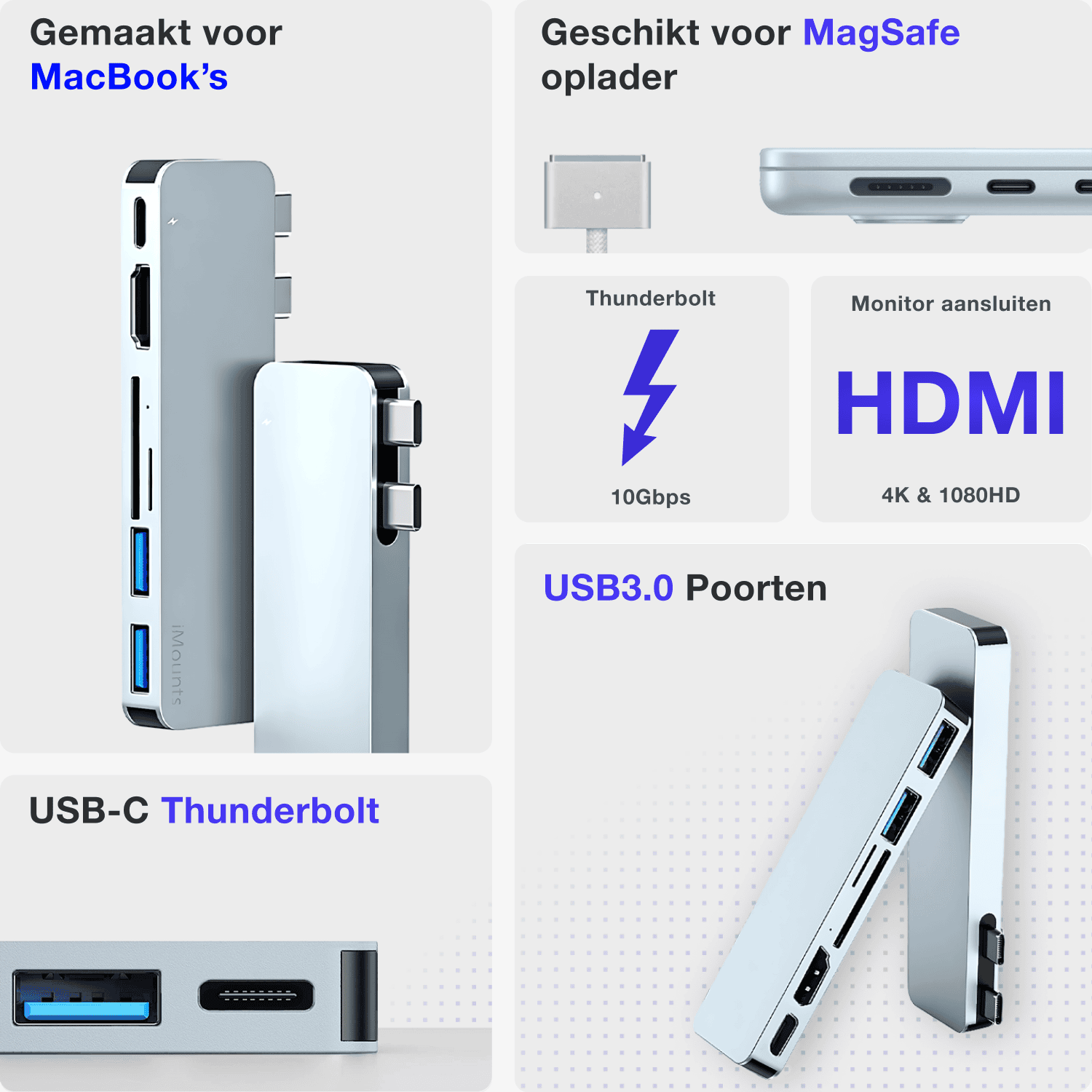
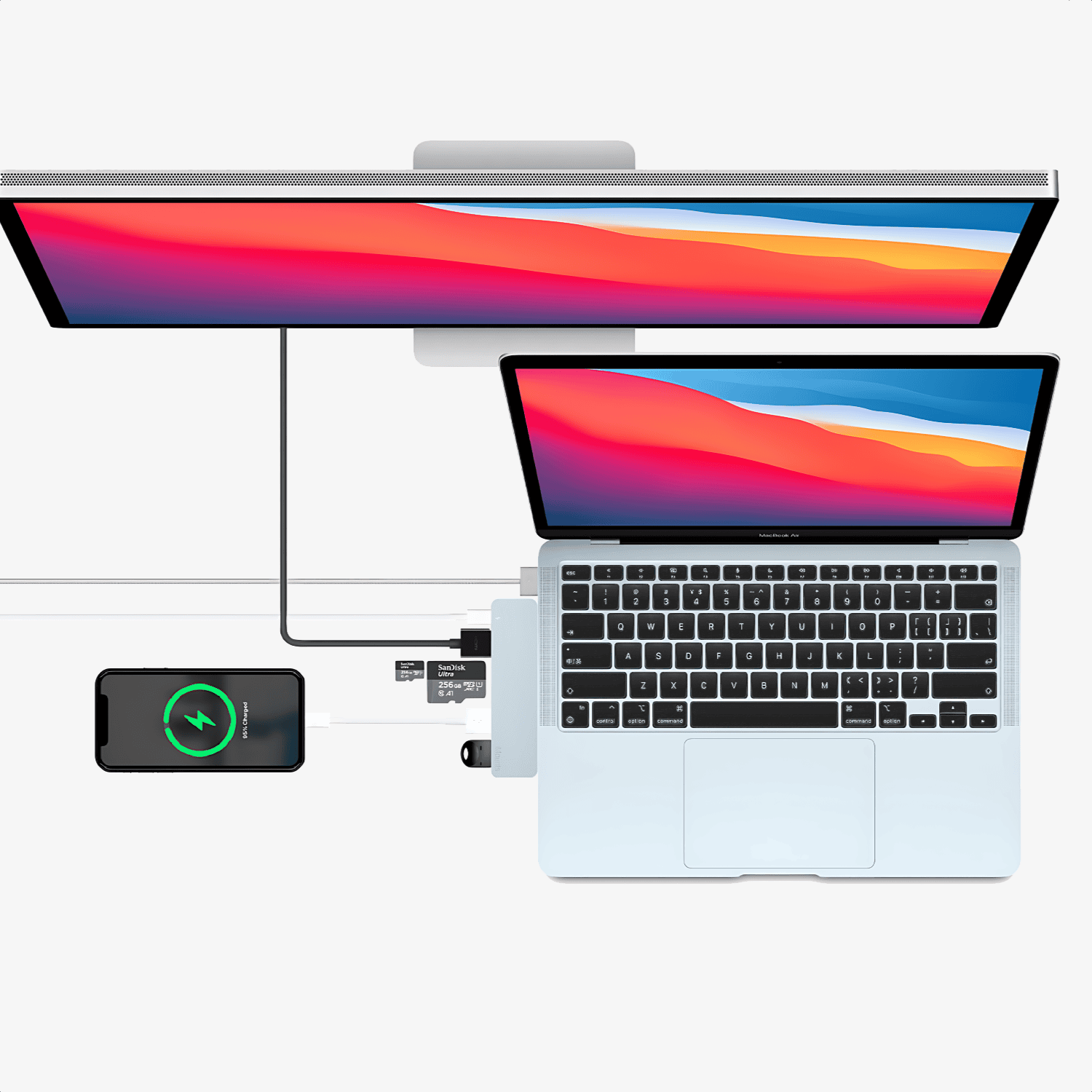
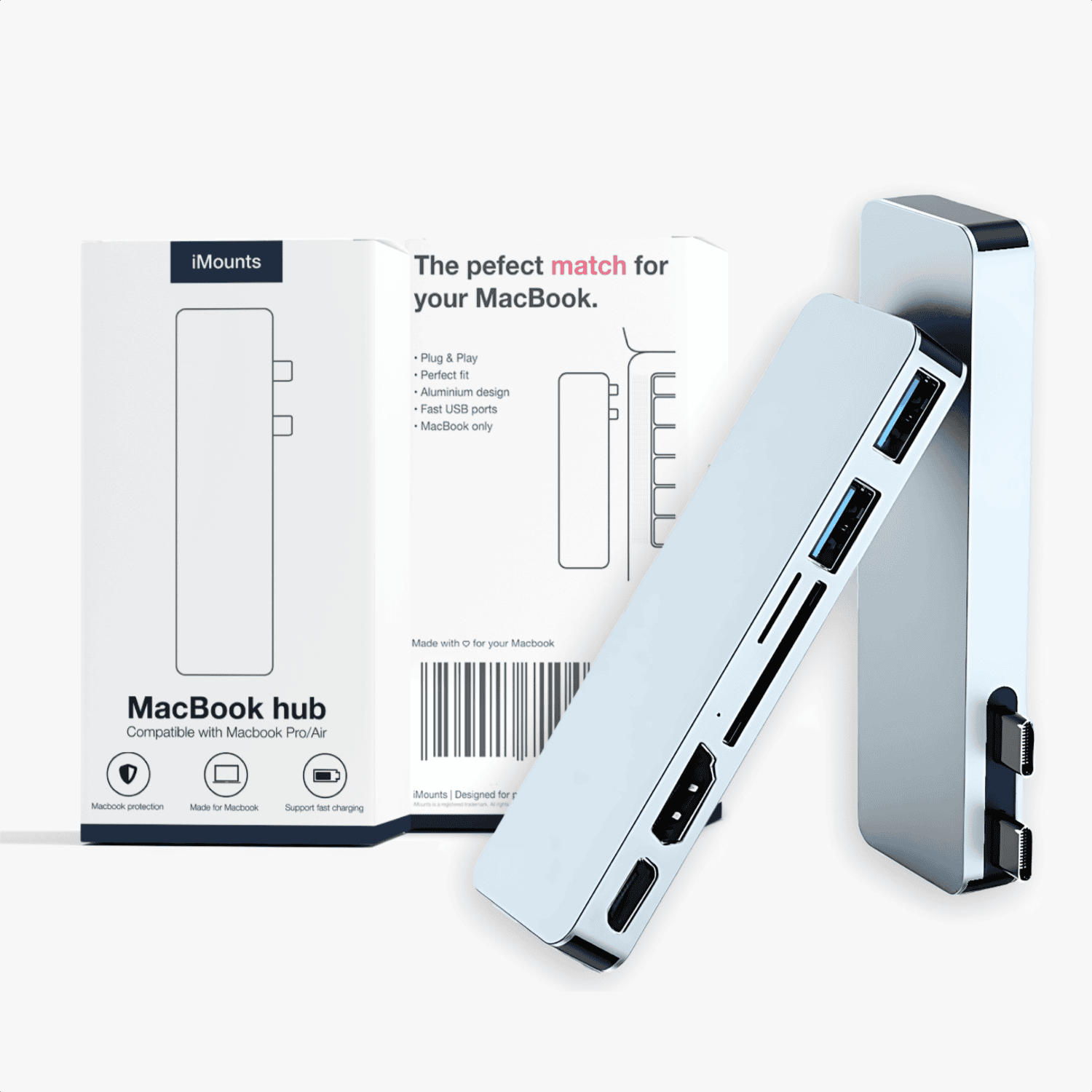
- All-in-one connectivity: Featuring an HDMI port (4K@60Hz) , 2x USB 3.0 ports and a Thunderbolt connection – ideal for displays, storage, mice and other peripherals.
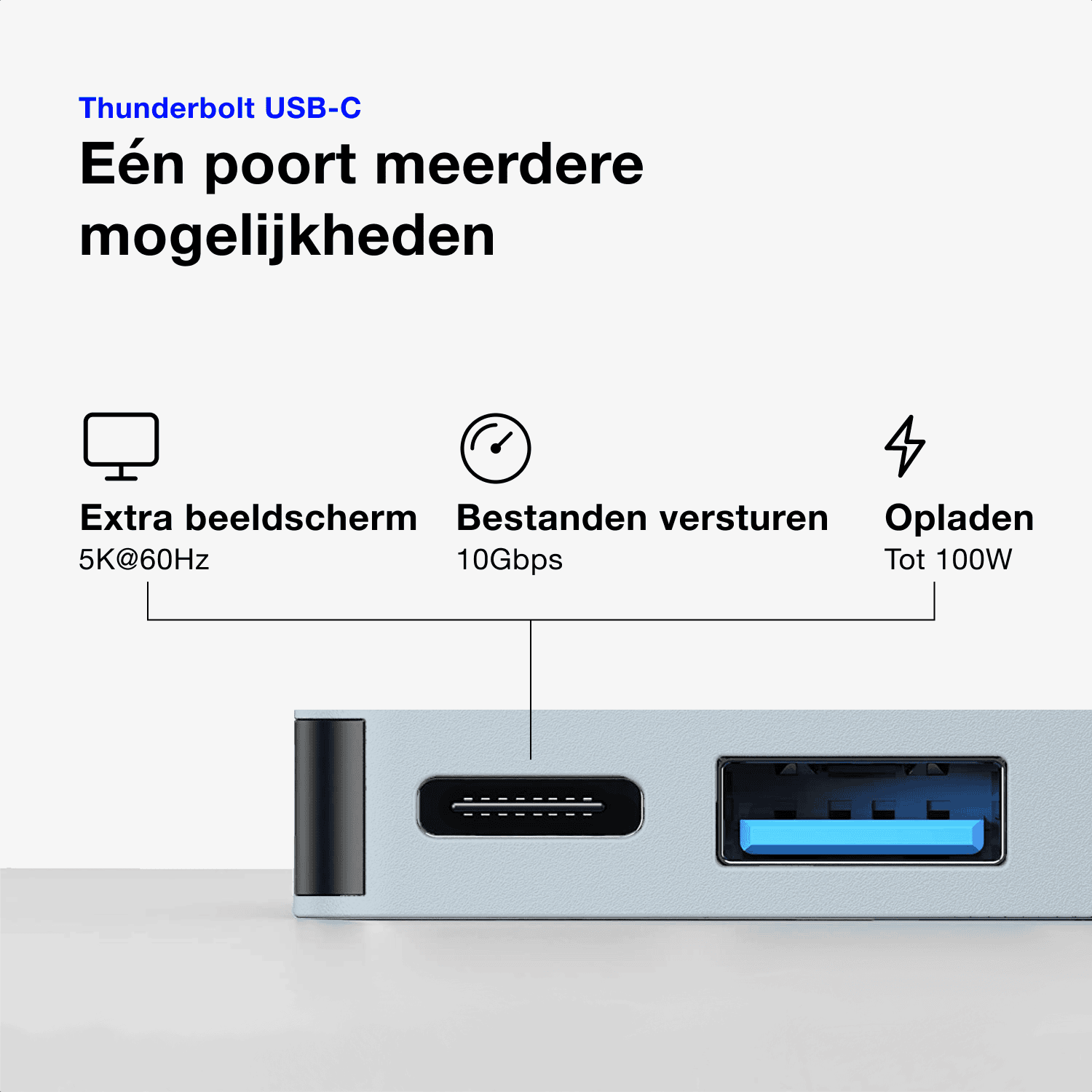
- Maximum performance: Supports blazing-fast data transfer up to 40Gbps , via the USB-C/Thunderbolt port. Charging up to 100W and razor-sharp 5K@60Hz image output.
- The perfect match for your MacBook Air: Powerful, compact and a stylish accessory to connect all your peripherals/
Ordered before 10:00 PM on Mon-Fri, delivered tomorrow
Free returns and standard 1 year warranty
Do you need advice?
Ask us a question via the chat box
M1 to M5
Designed for Sky Blue MacBooks
Suitable for any MacBook with dual USB-C ports
HDMI
Up to 60Hz
SD
Photo and video
Perfect Match
Specifications of the MacBook Sky Blue Hub
Want to know exactly what this Sky Blue hub can do? You can find all specifications in the table.
1080p, and 4K at 60Hz
Supports MacBook charging up to 100W, also suitable for video output up to 5K and data up to 10Gbps (Thunderbolt protocol)
Suitable for all standard SD and TF cards up to 256GB and a maximum of 300MB/s
Data transfer up to 10Gbps and power output for USB peripherals
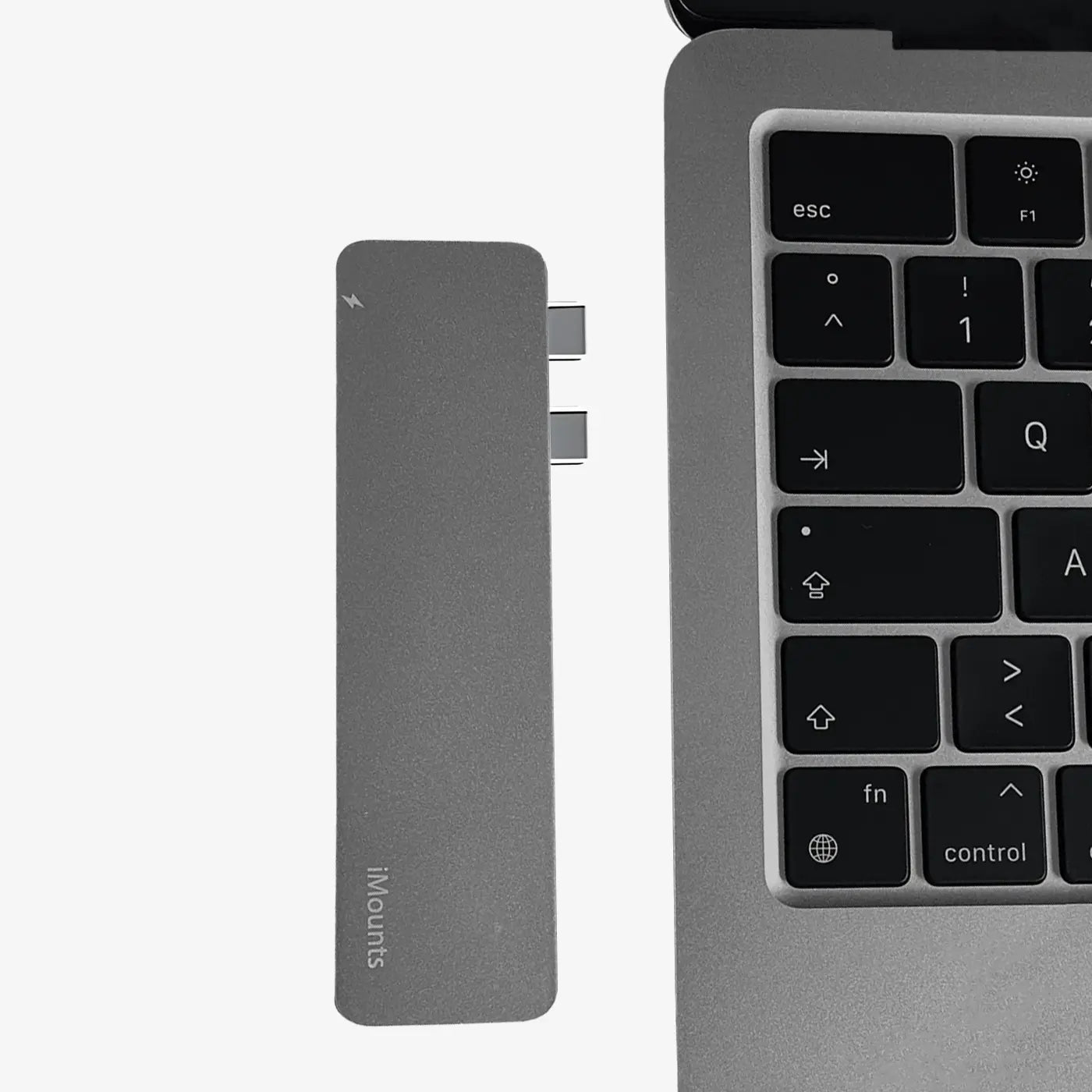
Plug & Play
A sturdy aluminum enclosure, matching your MacBook
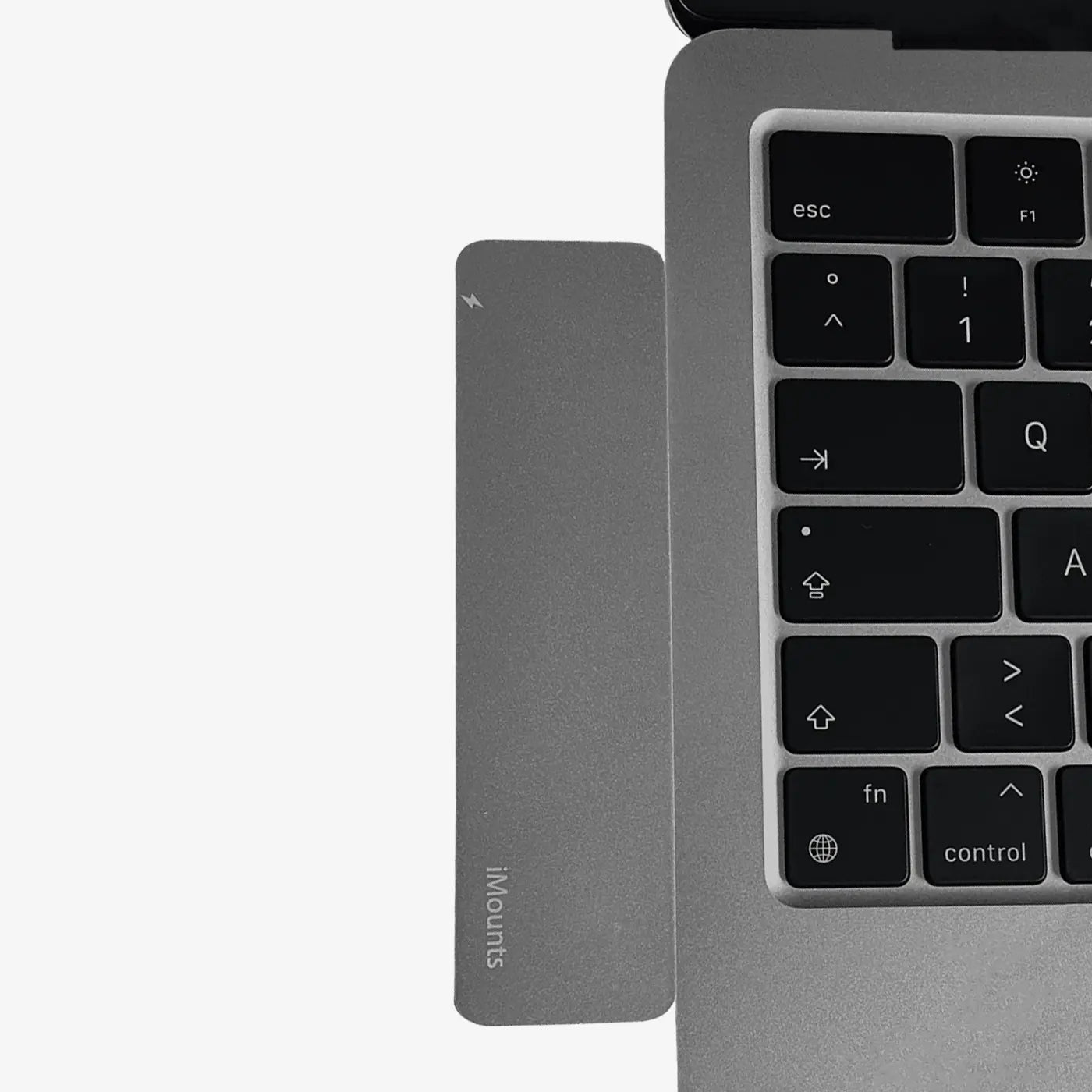
Click
Connected with a single click.
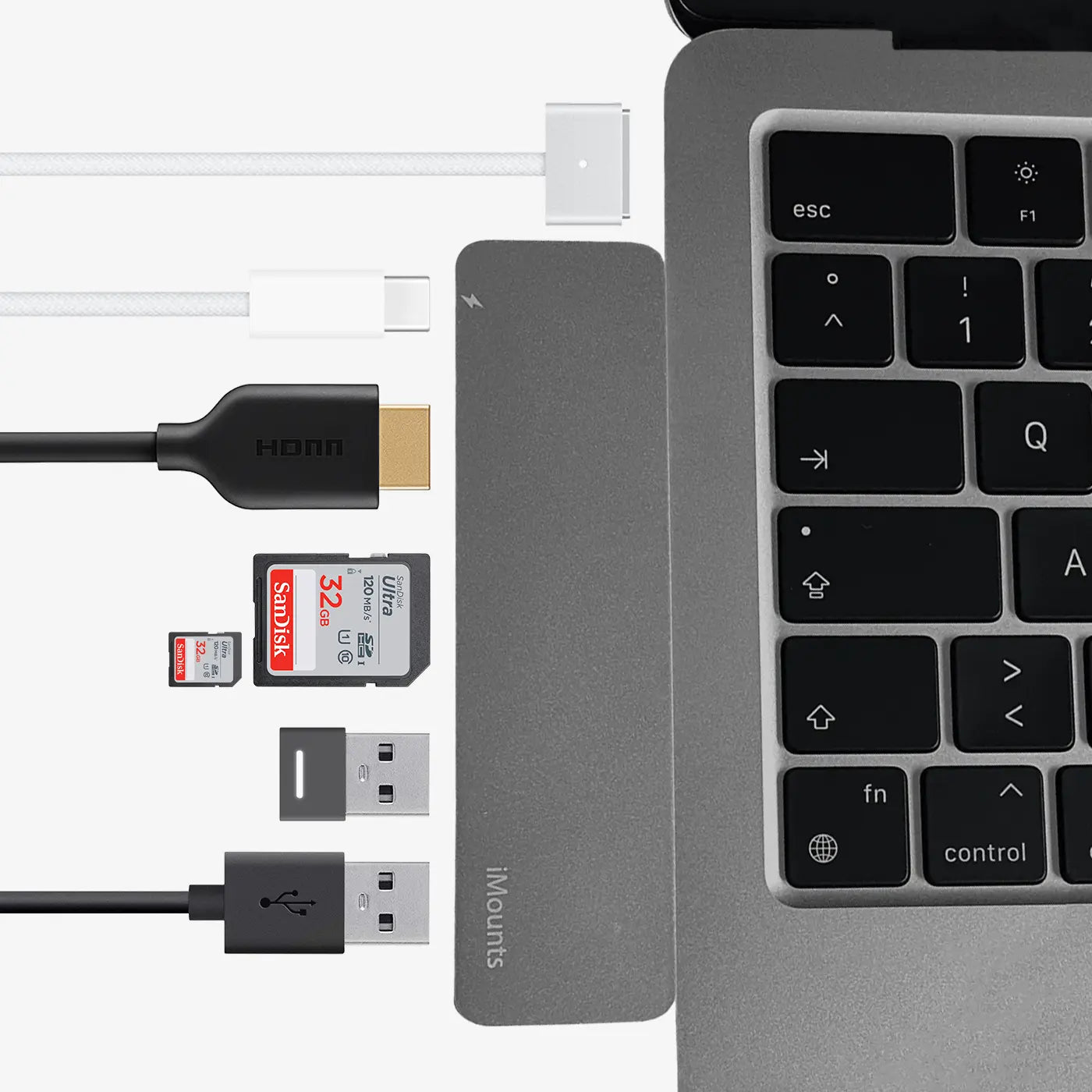
Connect
Click and connect! Plug in your required cables and devices and your setup is ready to use.
Plug & Play
A sturdy aluminum enclosure, matching your MacBook
Click
Connected with a single click.
Connect
Click and connect! Plug in your required cables and devices and your setup is ready to use.
Fijne macbook hub en snel geleverd
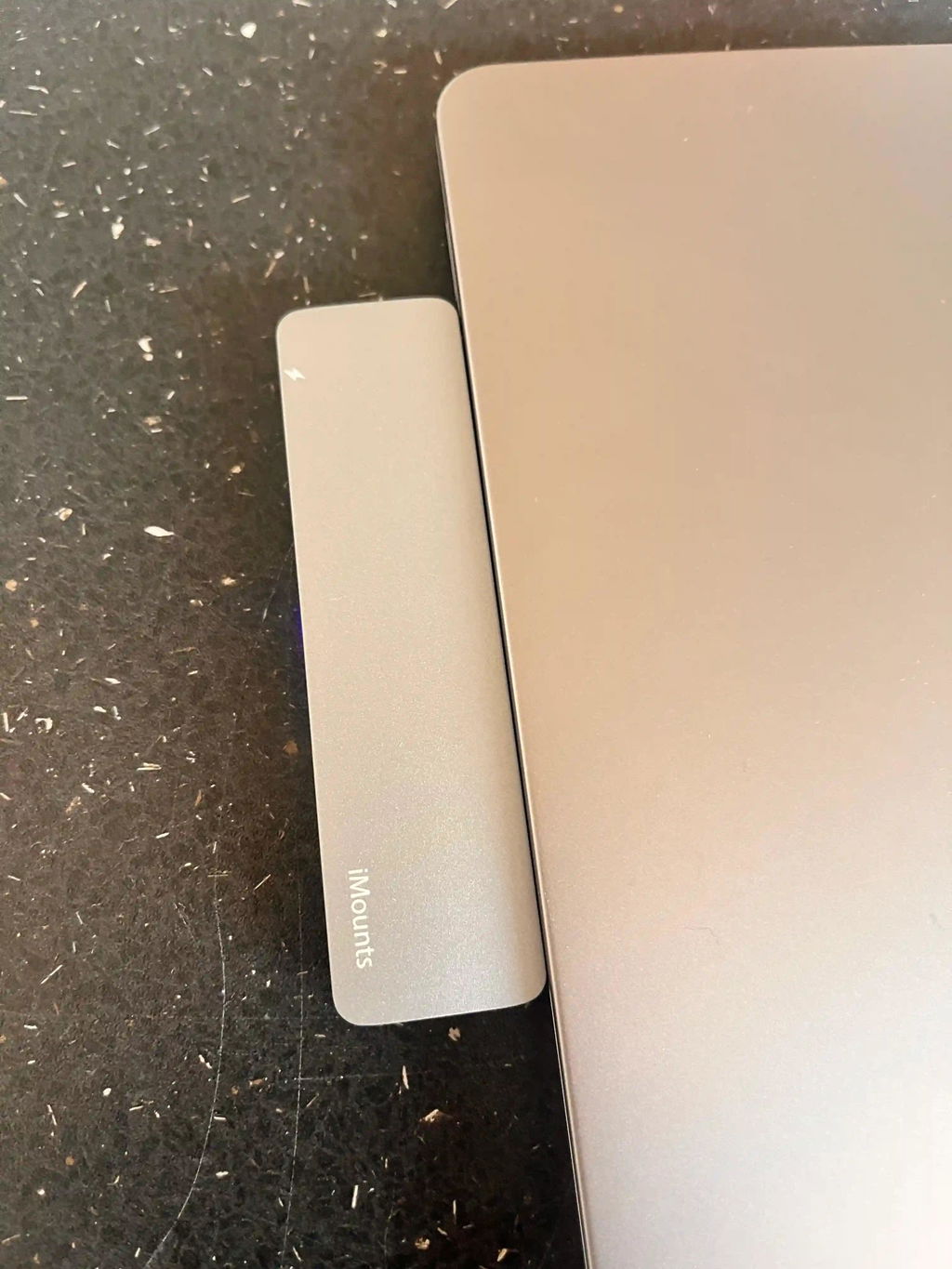
Zoals beloofd
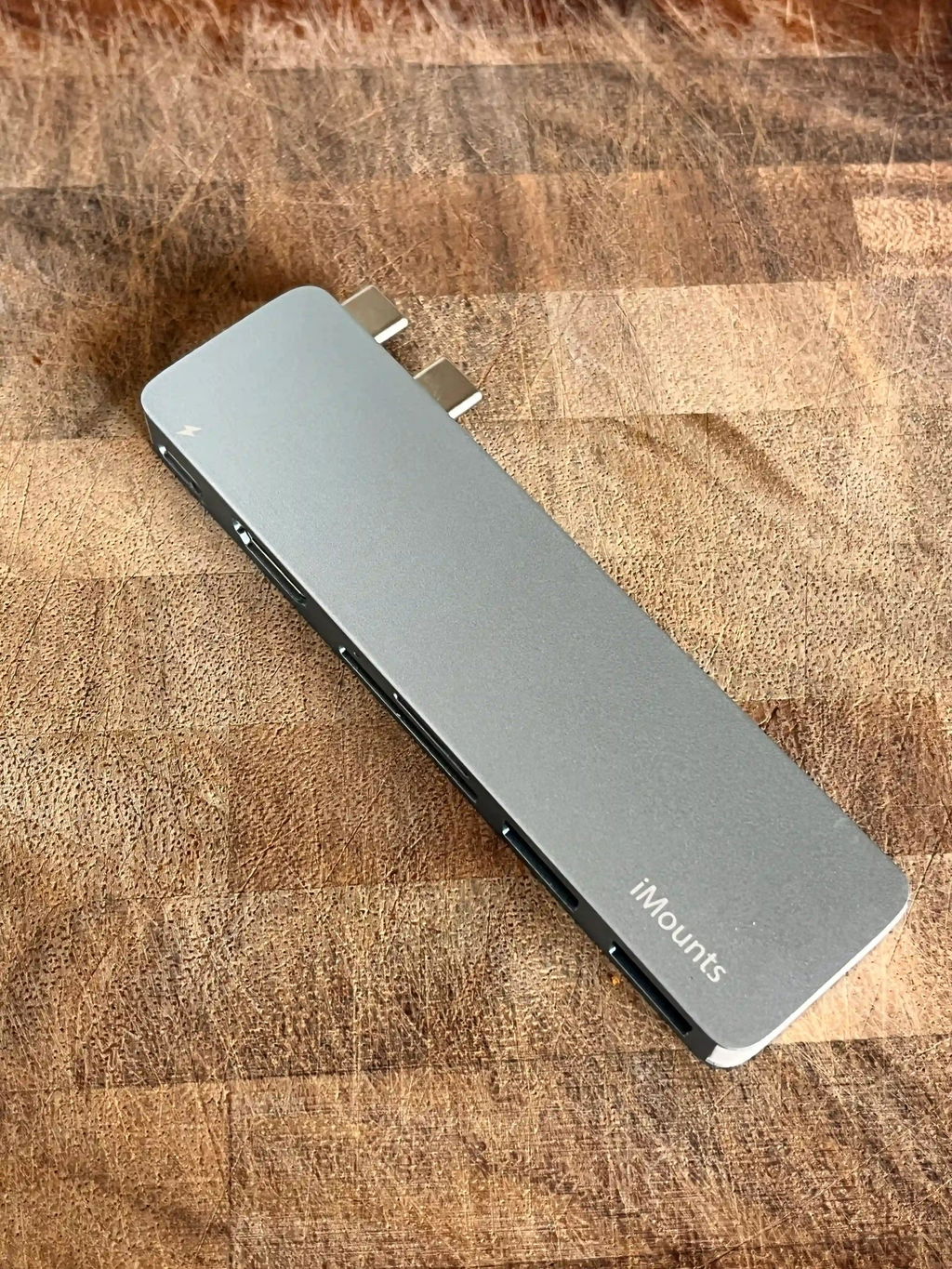
Works as intended. The only criticism is the color finish, which could be better.
The color tone doesn't exactly match that of the MacBook, but close enough, the product remains intact. Happy with it
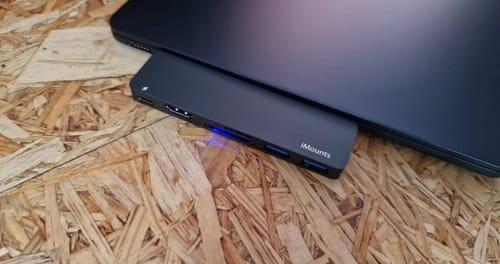
In de kleur Starlight. Omdat ik een SD-kaartlezer en een USB2/3-poort nodig heb voor mijn MacBook, was ik op zoek naar een USB-hub en vond deze.
Wanneer u hem voor de eerste keer aansluit, bevestigt u kort dat beide zijn aangesloten en dat is alles. De stroomaansluiting kan worden gebruikt terwijl de hub is aangesloten.
De hub doet wat hij moet doen. Breng foto's over van de SD-kaart, koppel de muisdongle. Fijn is ook dat er ruimte is voor kleine Micro SD-kaartjes zonder adapter. Ik heb geen spijt van de aankoop. De kleur is bijna 100% zoals Polarstern
Duidelijk aankoopadvies.
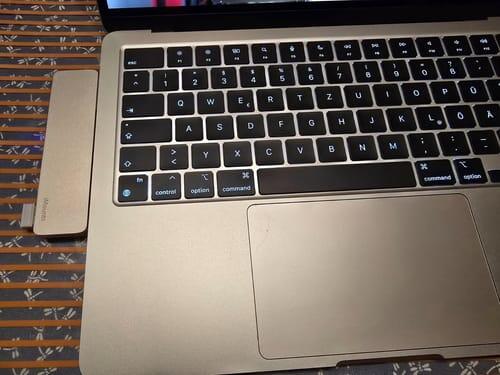
Super Hub für mein neues MacBook Air 2024 M3. Funktioniert tadellos, sitzt bombenfest und lässt Platz für die Stromversorgung. Auch technisch läuft alles einwandfrei was den Anschluss von externen Bildschirm und USB-Gerätschaften sowie die SD-Fotokarten betrifft. Abstriche gibt's lediglich bei der Farbabstimmung, da gibt's leider Abweichungen zum Apple-typischen Grading. Auch was die Passform angeht, könnte der Hub noch etwas planer mit dem MacBook abschließen. Aktuell gibt es eine leichte Kante. Aber das ist alles jammern auf hohem Niveau. Ich bin happy, dass ich endlich einen kleinen und dezenten Adapter gefunden habe. Feines Nice2Have wäre noch ein kleiner Beutel fürs Verstauen des Hubs auf Reisen, damit der Laptop nicht zerkratzt.
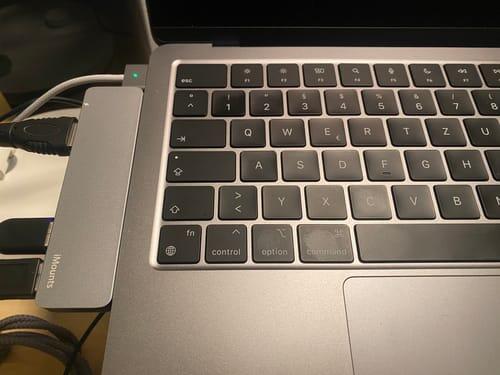
Finally a hub in midnight blue for a good price. Nice color, ports also work fine and the top USB-C port of the hub is thunderbolt
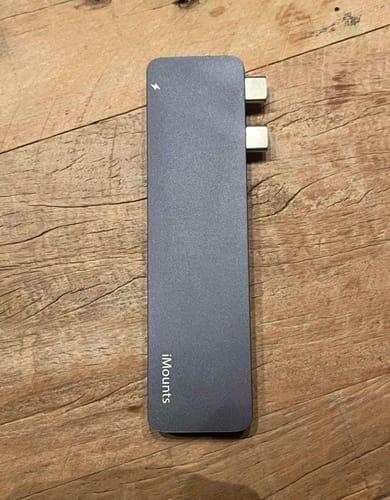
Geweldige toevoeging voor de Macbook air. Ook nog in een passende kleur voor de Macbook. Makkelijk aan te sluiten en werkt gelijk. Snelle verzending ook. Al met al zeer tevreden.
Works as promised!
The only glitch is since I have a fitted protective cover on my MacBook Air, it doesn’t fit properly and can’t stay in place. So if you considering in buying this iMount think twice if you have a cover on your laptop.
De macbook hub beschikt over alle benodigde poorten zodat u printers, scanners en andere randapparatuur kunt aansluiten, ook snel en probleemloos besteld en verzonden
De macbook hub beschikt over alle benodigde poorten zodat u printers, scanners en andere randapparatuur kunt aansluiten, ook snel en probleemloos besteld en verzonden
Het product werkt perfect en voelt hoogwaardig aan. Het enige minpuntje is het naar mijn mening felle statuslampje.
Een doordacht ontwerp, want je hoeft de USB-hub niet meer los te koppelen om de batterij op te laden. De kleur past bovendien perfect bij de Mac.
Zoals beloofd
Zoals beloofd
Zoals beloofd
De iMounts USB-C Hub is de ideale oplossing voor mijn MacBook Pro M2. Ik had meer poorten nodig zonder constant adapters mee te hoeven slepenen deze hub voldoet aan alle verwachtingen, ook snel geleverd
Het werkt zoals bedoeld. Het enige minpuntje is de afwerking, die beter had gekund.
De kleur komt niet helemaal overeen met die van de MacBook.
Het is echter wel dicht genoeg in de buurt en het product blijft intact.
Fijne hub, snel geleverd en ook snel antwoord op de vragen :)
Werkt zoals bedoeld
Als je iets wilt aansluiten op je nieuwe generatie MacBook, is dit apparaat onmisbaar.
Het biedt een goede prijs-kwaliteitverhouding en is van goede kwaliteit.
Het apparaat biedt meerdere poorten voor onder andere HDMI, USB 3.0 en SD/microSD. De Thunderbolt-poort ondersteunt 100 W opladen, ideaal voor snel en efficiënt werken. Het aluminium ontwerp sluit perfect aan bij de MacBook en blijft zelfs bij intensief gebruik koel, alleen geen ethernet ingang
Het apparaat biedt meerdere poorten voor onder andere HDMI, USB 3.0 en SD/microSD. De Thunderbolt-poort ondersteunt 100 W opladen, ideaal voor snel en efficiënt werken. Het aluminium ontwerp sluit perfect aan bij de MacBook en blijft zelfs bij intensief gebruik koel, alleen geen ethernet ingang
Het apparaat biedt meerdere poorten voor onder andere HDMI, USB 3.0 en SD/microSD. De Thunderbolt-poort ondersteunt 100 W opladen, ideaal voor snel en efficiënt werken. Het aluminium ontwerp sluit perfect aan bij de MacBook en blijft zelfs bij intensief gebruik koel, alleen geen ethernet ingang
Het apparaat biedt meerdere poorten voor onder andere HDMI, USB 3.0 en SD/microSD. De Thunderbolt-poort ondersteunt 100 W opladen, ideaal voor snel en efficiënt werken. Het aluminium ontwerp sluit perfect aan bij de MacBook en blijft zelfs bij intensief gebruik koel, alleen geen ethernet ingang
Het apparaat biedt meerdere poorten voor onder andere HDMI, USB 3.0 en SD/microSD. De Thunderbolt-poort ondersteunt 100 W opladen, ideaal voor snel en efficiënt werken. Het aluminium ontwerp sluit perfect aan bij de MacBook en blijft zelfs bij intensief gebruik koel, alleen geen ethernet ingang
Zoals beloofd
Zoals beloofd
Zoals beloofd
Zoals beloofd
Frequently asked questions about the MacBook Sky Blue Hub
We have already collected the answers for you:
I have a hardcase/cover on my MacBook, will the hub still work?
What can I connect to this hub?
Is the quality good for the price?
What can I NOT do with this Sky Blue hub?
A. No, we do not require any down payment. We believe in providing accessible payment solutions without upfront costs, making our products and services more readily available to everyone.