

MacBook Air USB C hub Starlight – HDMI, USB3.0, SD Reader, Thunderbolt
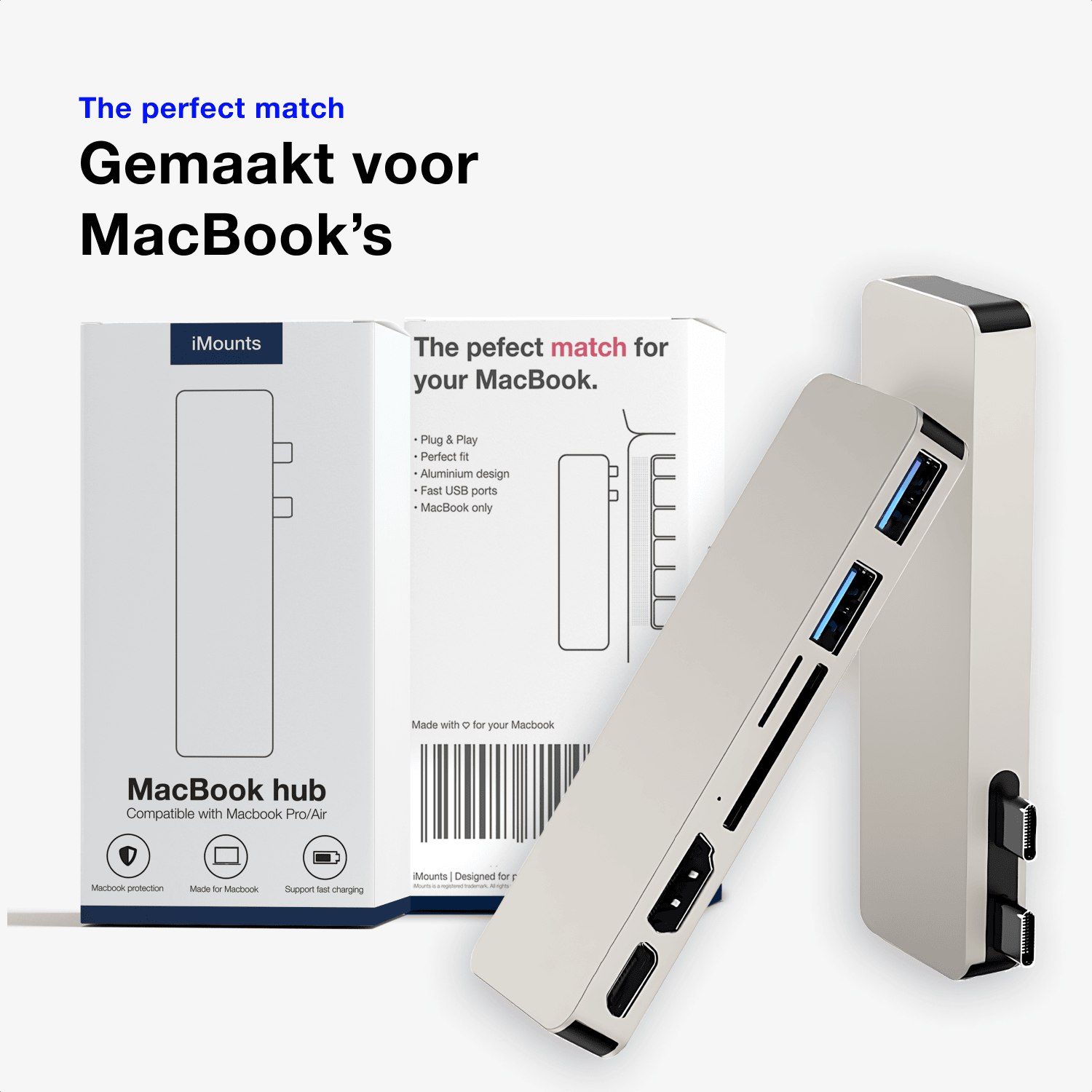
USB-C hub specifically for MacBook Air (13"/15") — in Starlight color, a perfect match for the MacBook Air M2, M3, M4, and M5.
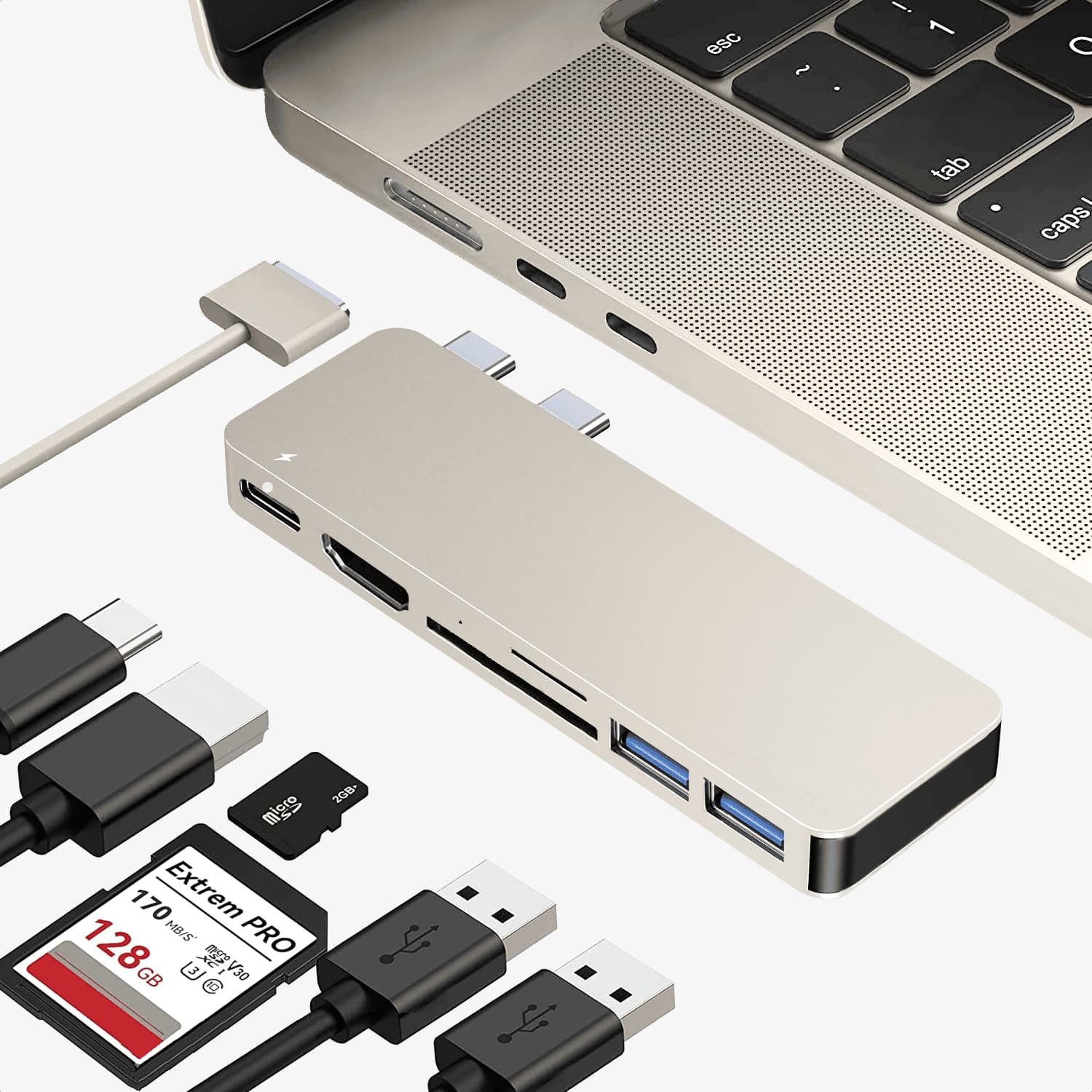
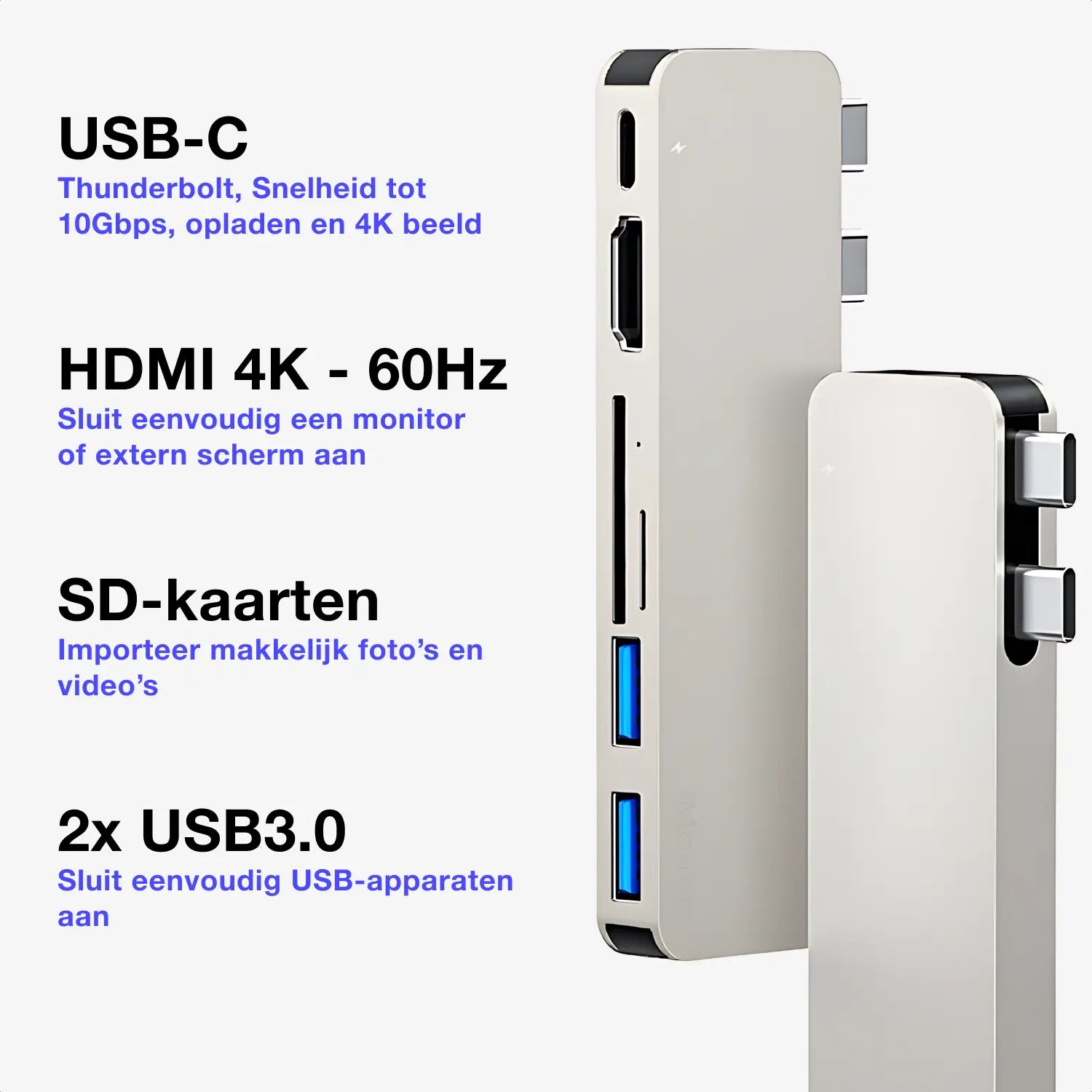
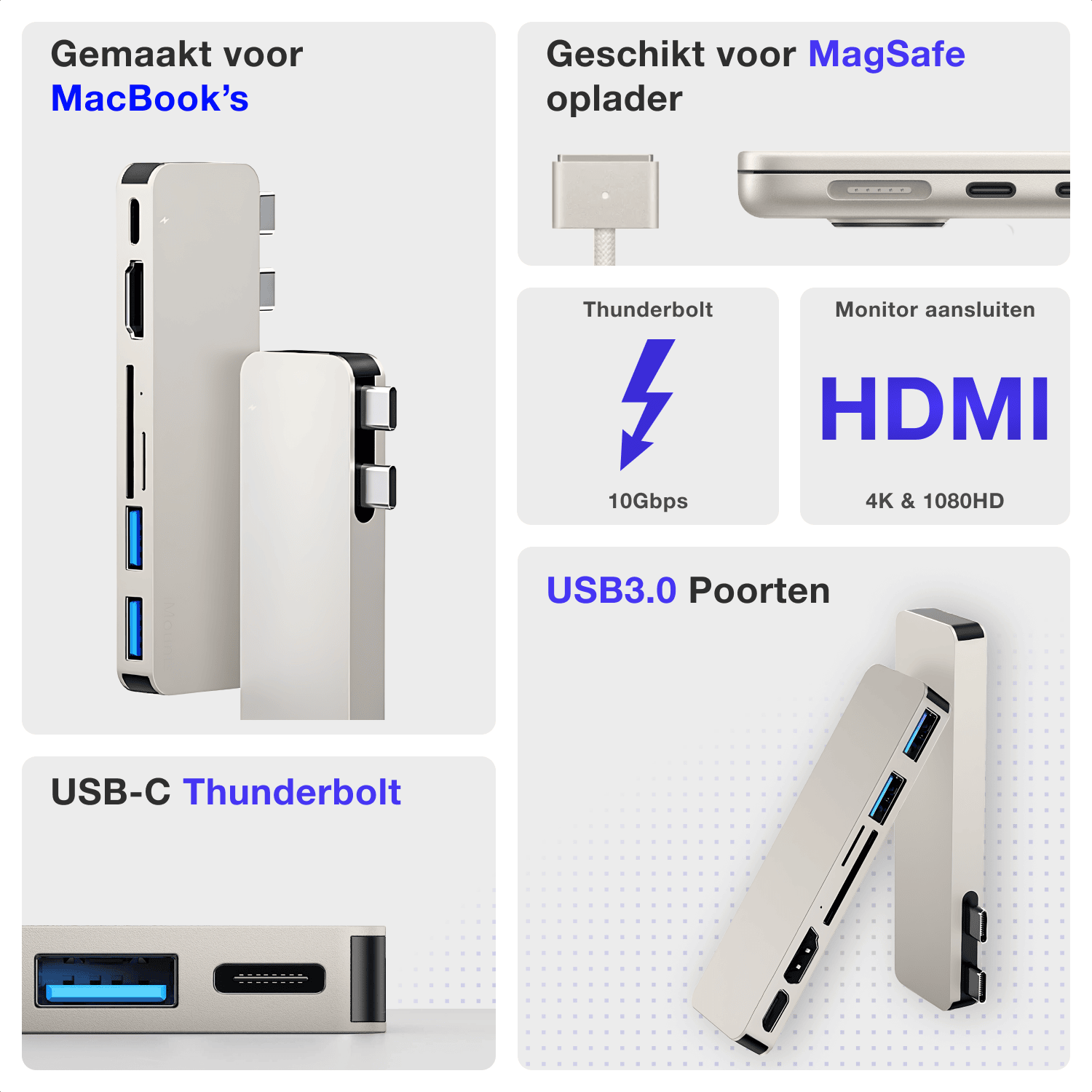
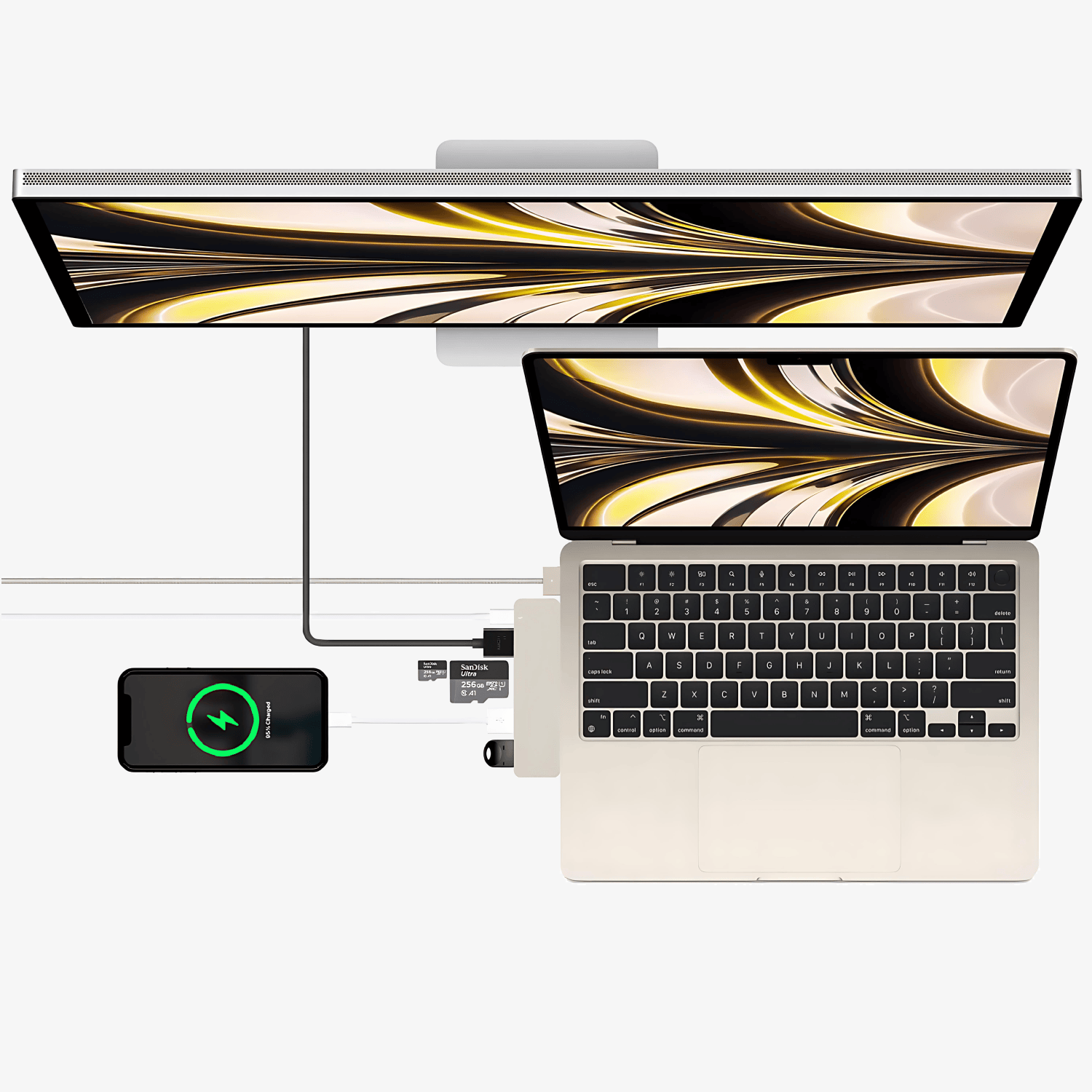
- HDMI - external display in 4K@60Hz or 1080p@60Hz
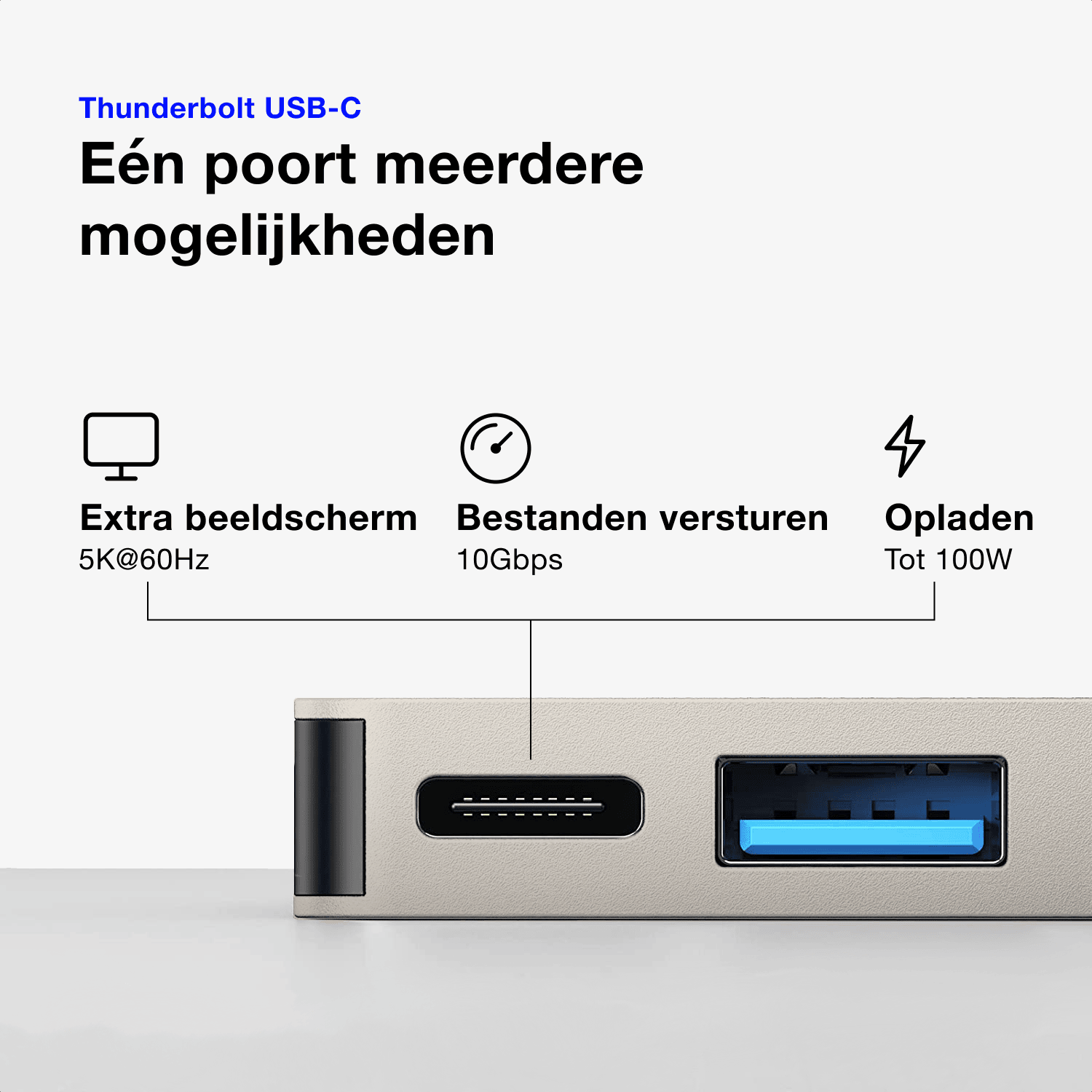
- Thunderbolt 3 - data up to 40 Gbps, charging up to 100W, video output up to 5K@60Hz
- SD reader - SD and microSD cards, up to 5 Gbps, max. 1 TB
- 2x USB 3.0 - up to 480 Mbps, suitable for mouse, keyboard or USB stick
- Plug & play - no installation required, aluminum housing, compact size
Ordered before 10:00 PM on Mon-Fri, delivered tomorrow
Free returns and standard 1 year warranty
Do you need advice?
Ask us a question via the chat box
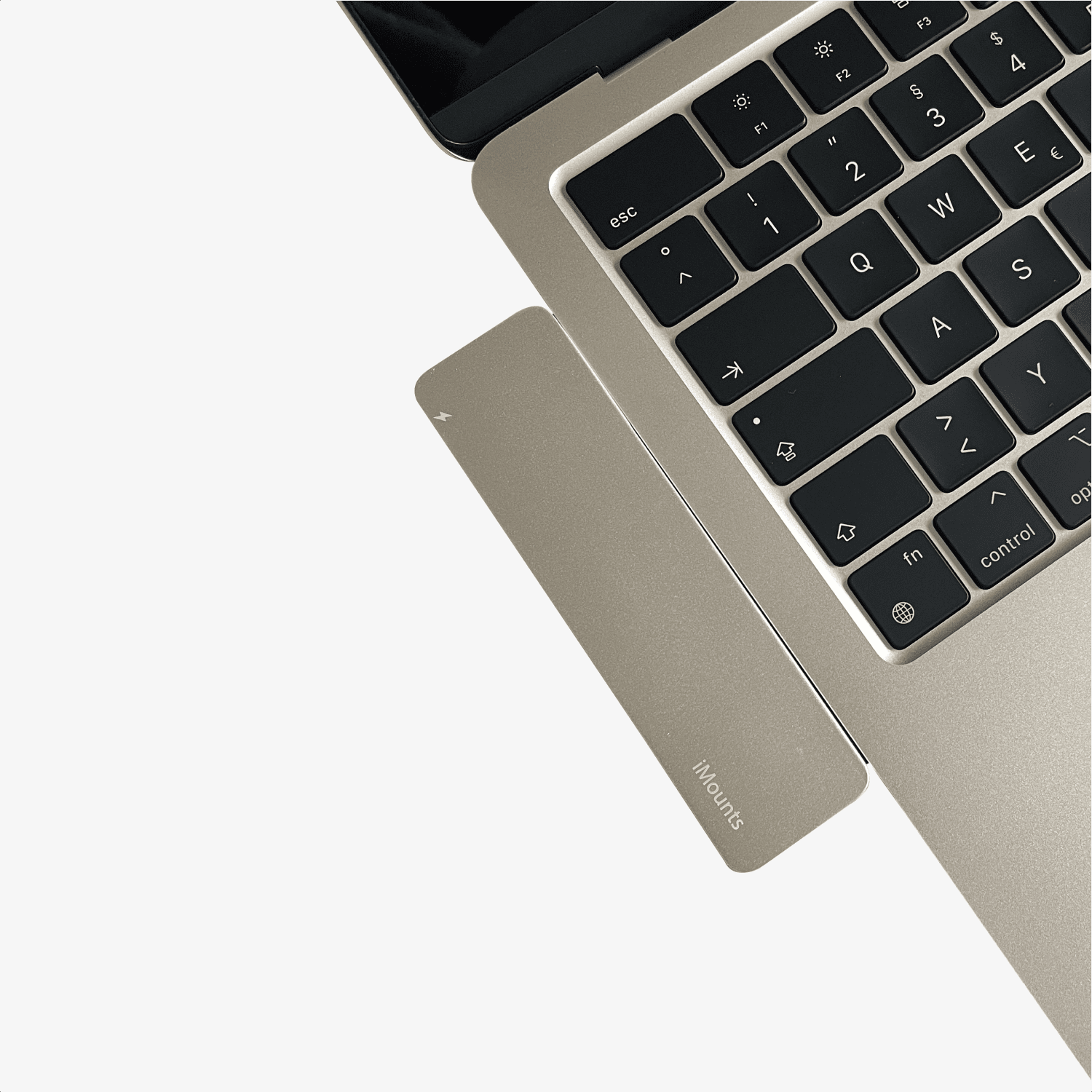
Designed for Starlight MacBooks
Suitable for any MacBook with dual USB-C ports
Up to 60Hz
Photo and video
Perfect Match
Specifications of the MacBook Hub Starlight
Want to know exactly what this Starlight hub can do? You can find all specifications in the table.
1080p, and 4K at 60Hz
Supports MacBook charging up to 100W, also suitable for video output up to 5K and data up to 10Gbps (Thunderbolt protocol)
Suitable for all standard SD and TF cards up to 256GB and a maximum of 300MB/s
Data transfer up to 10Gbps and power output for USB peripherals
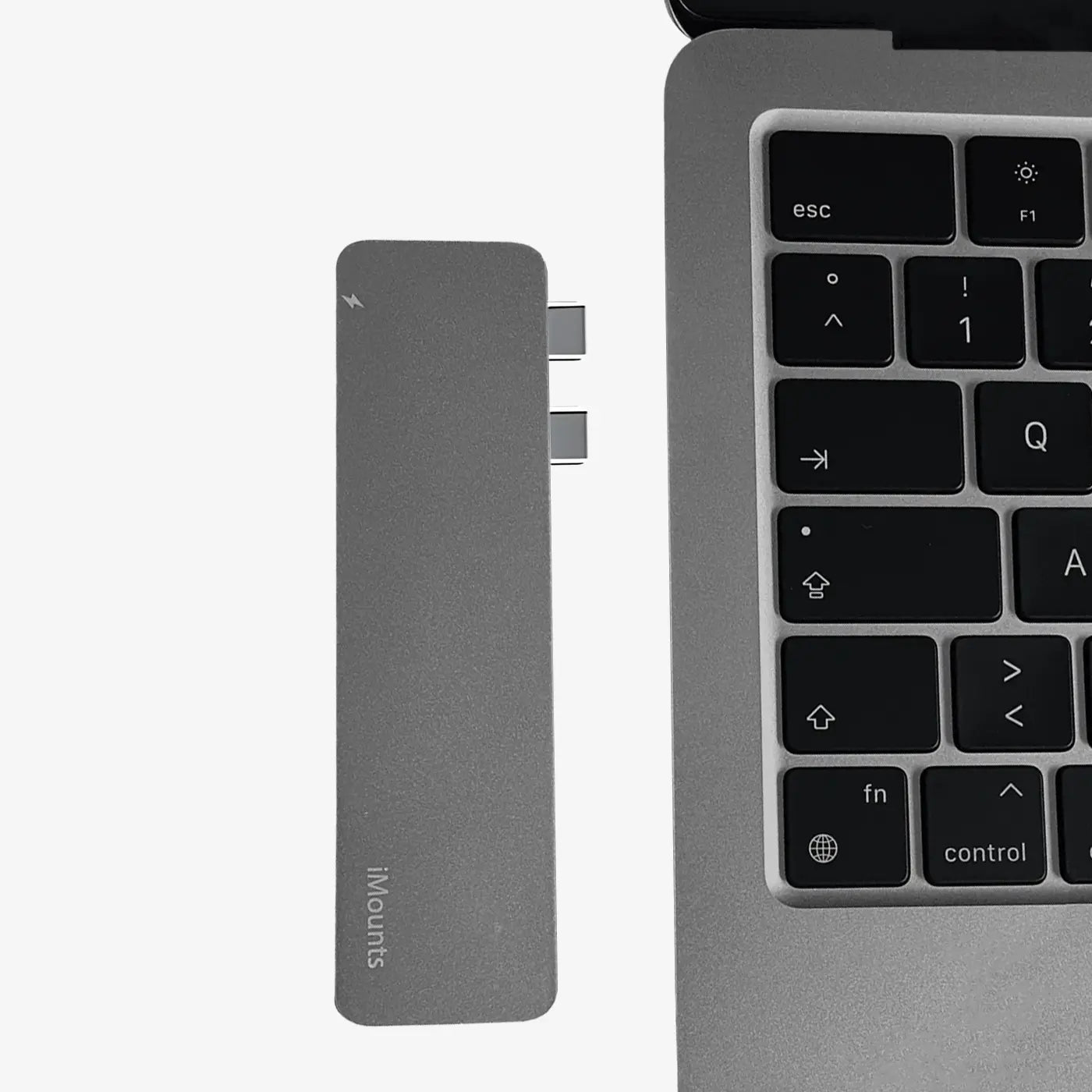
Plug & Play
A sturdy aluminum enclosure, matching your MacBook
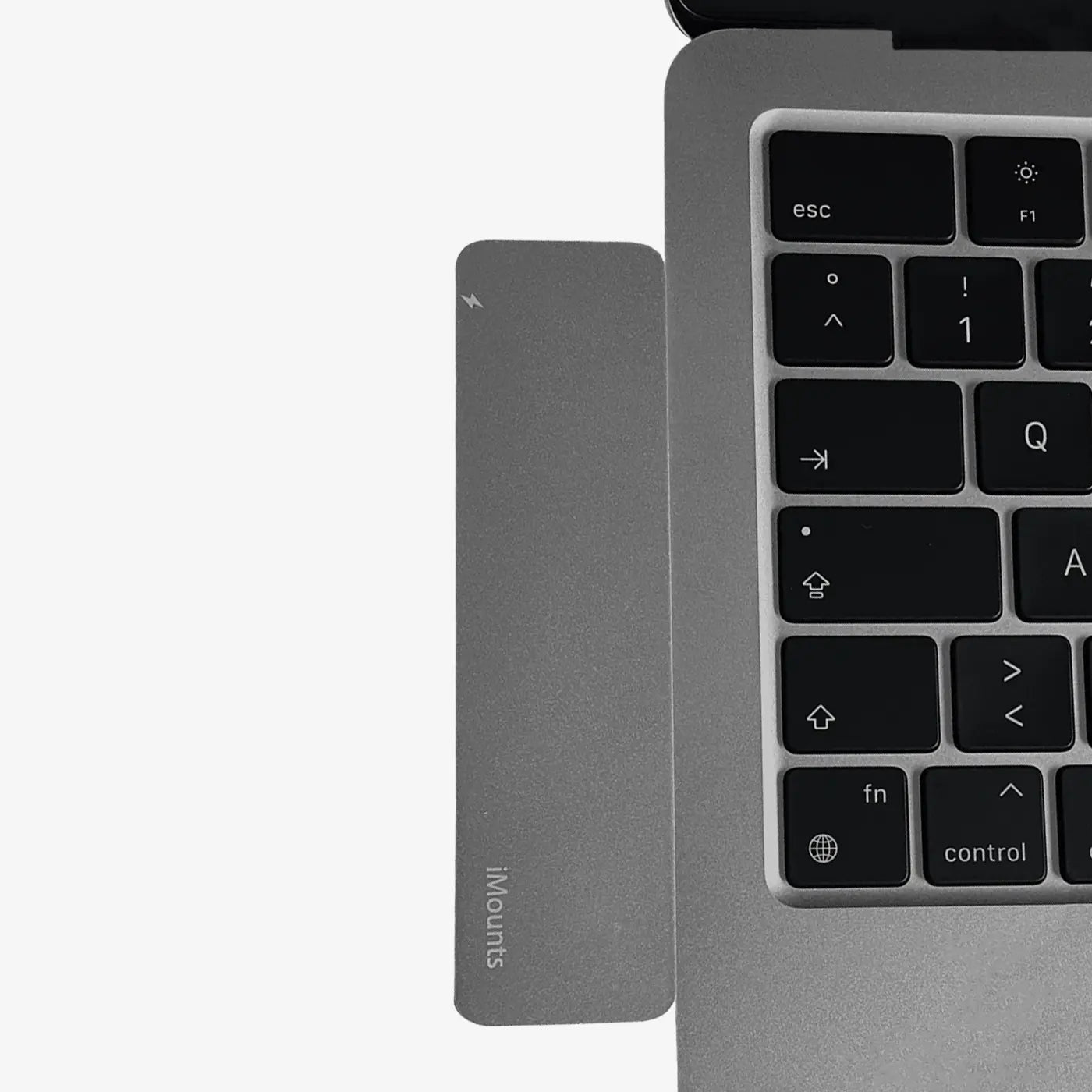
Click
Connected with a single click.
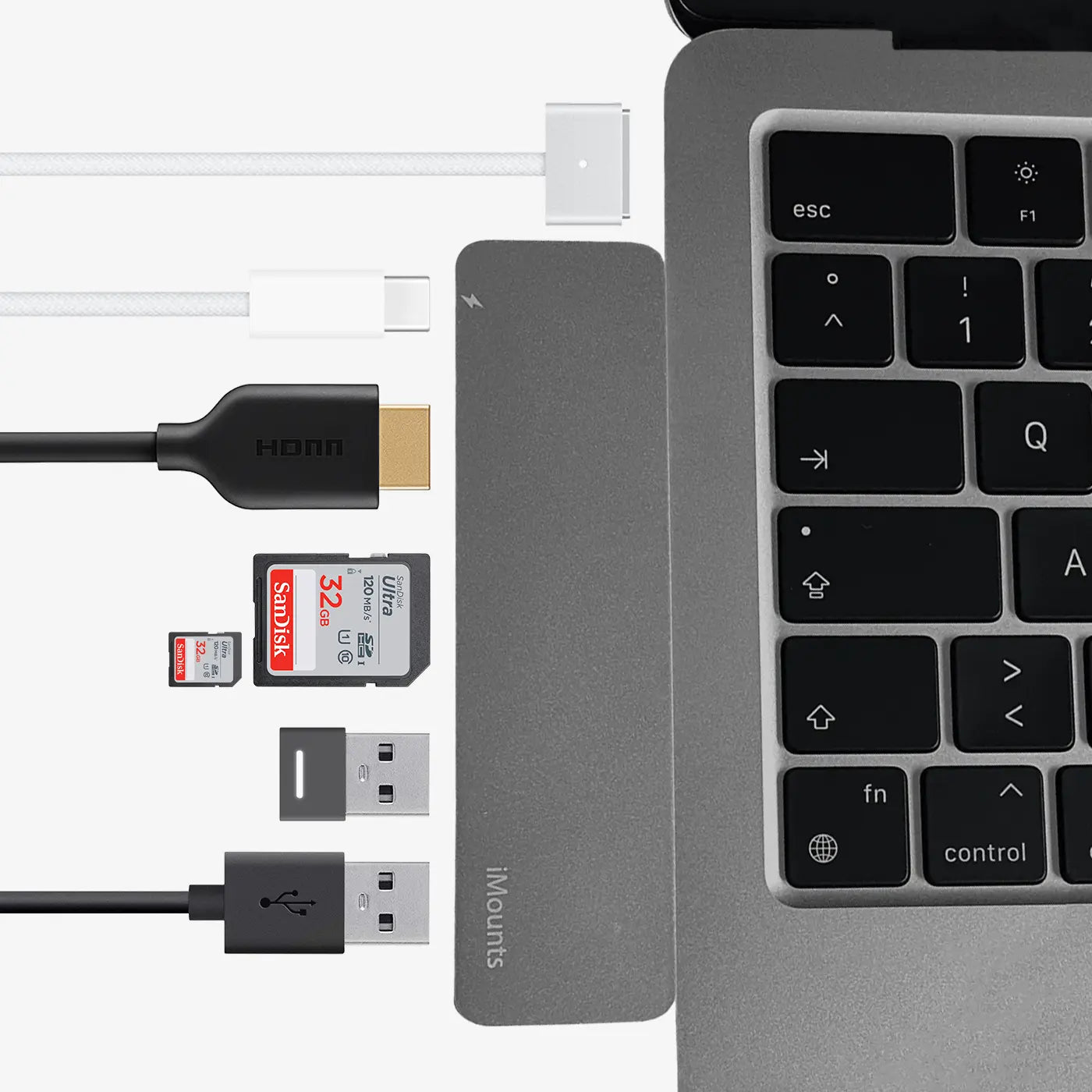
Connect
Click and connect! Plug in your required cables and devices and your setup is ready to use.
Plug & Play
A sturdy aluminum enclosure, matching your MacBook
Click
Connected with a single click.
Connect
Click and connect! Plug in your required cables and devices and your setup is ready to use.
Frequently asked questions about the MacBook Hub Starlight
We have already collected the answers for you:
I have a hard case/cover on my MacBook, will the hub still work?
What can I connect to this hub?
Is the quality good for the price?
What can I NOT do with this hub?
A. No, we do not require any down payment. We believe in providing accessible payment solutions without upfront costs, making our products and services more readily available to everyone.