
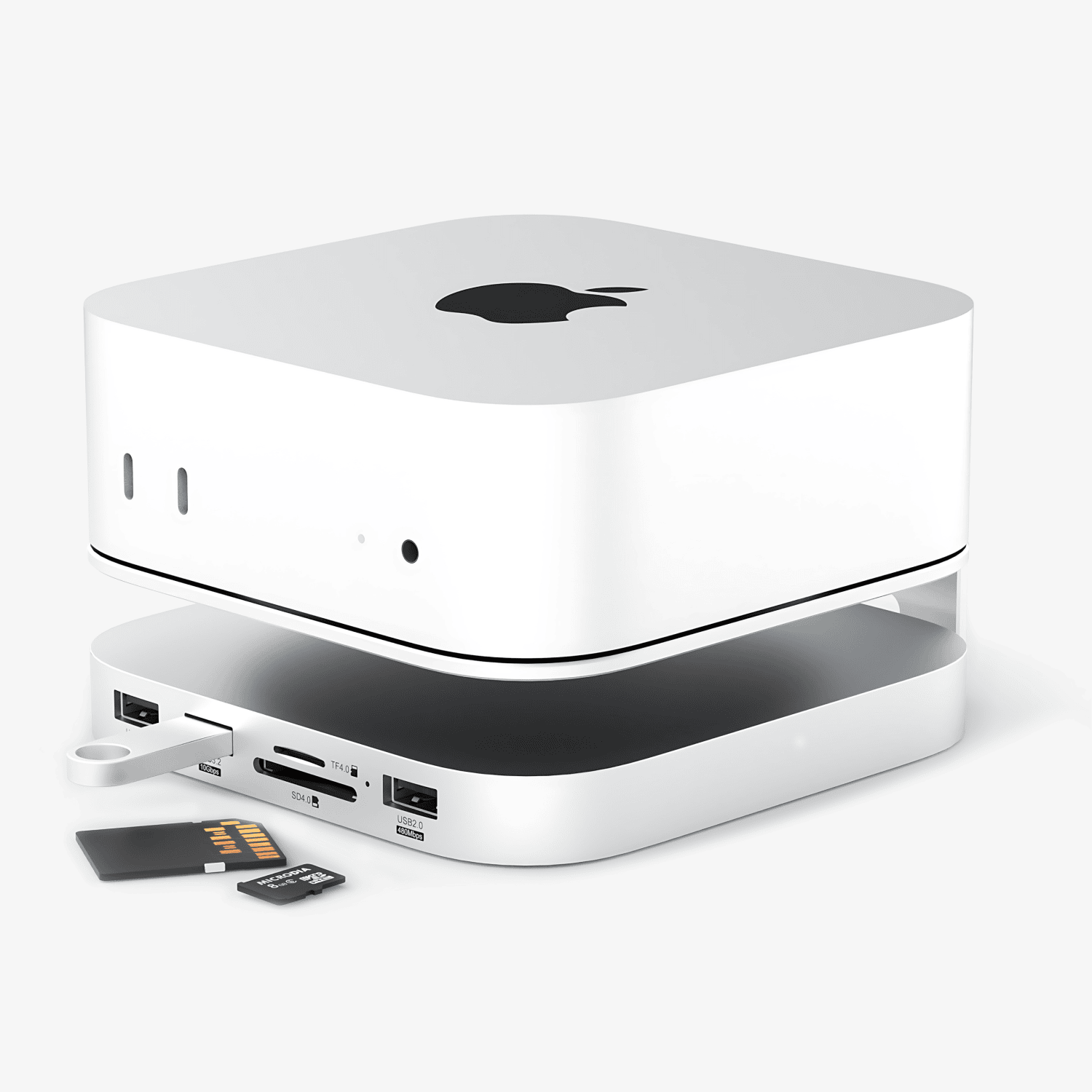
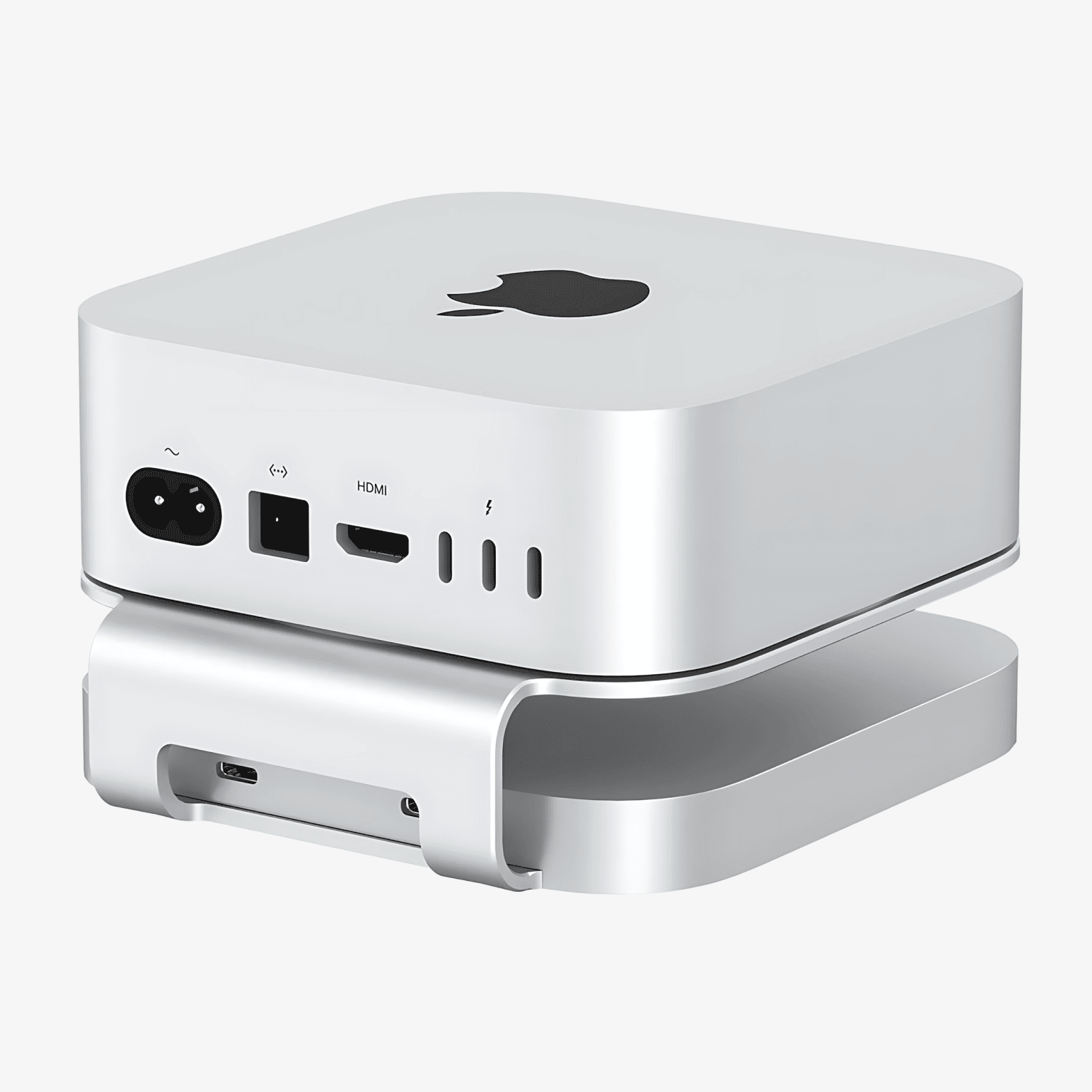
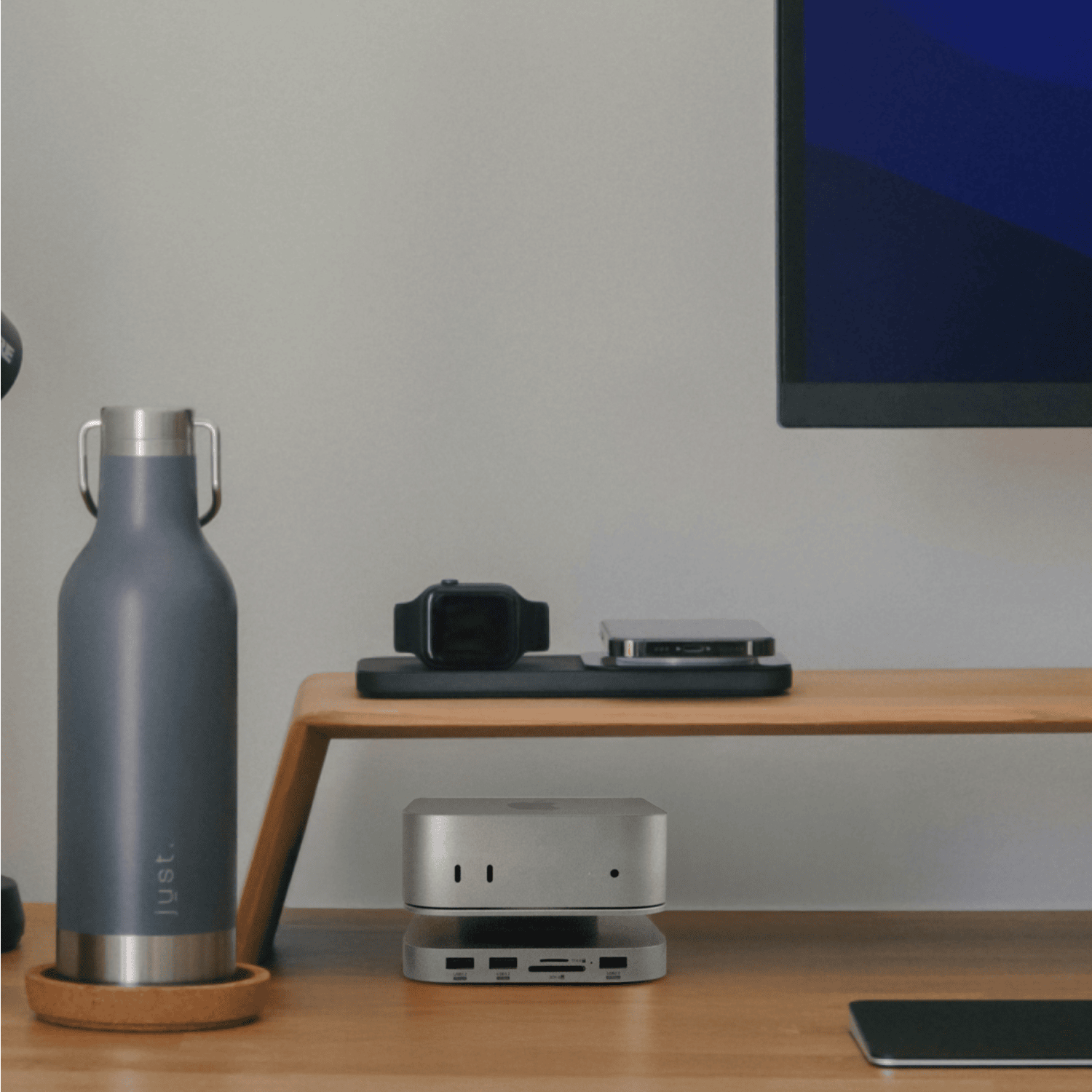
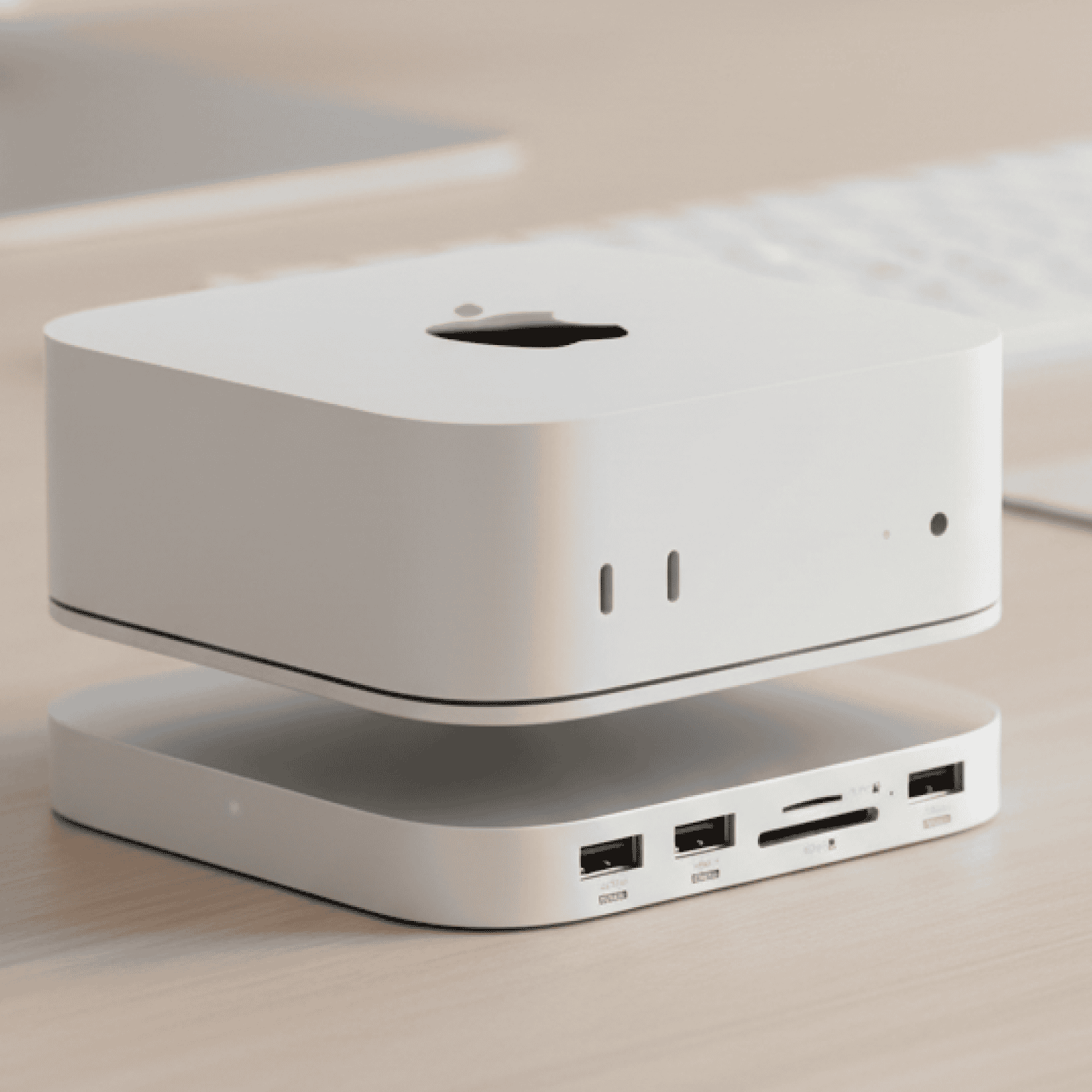
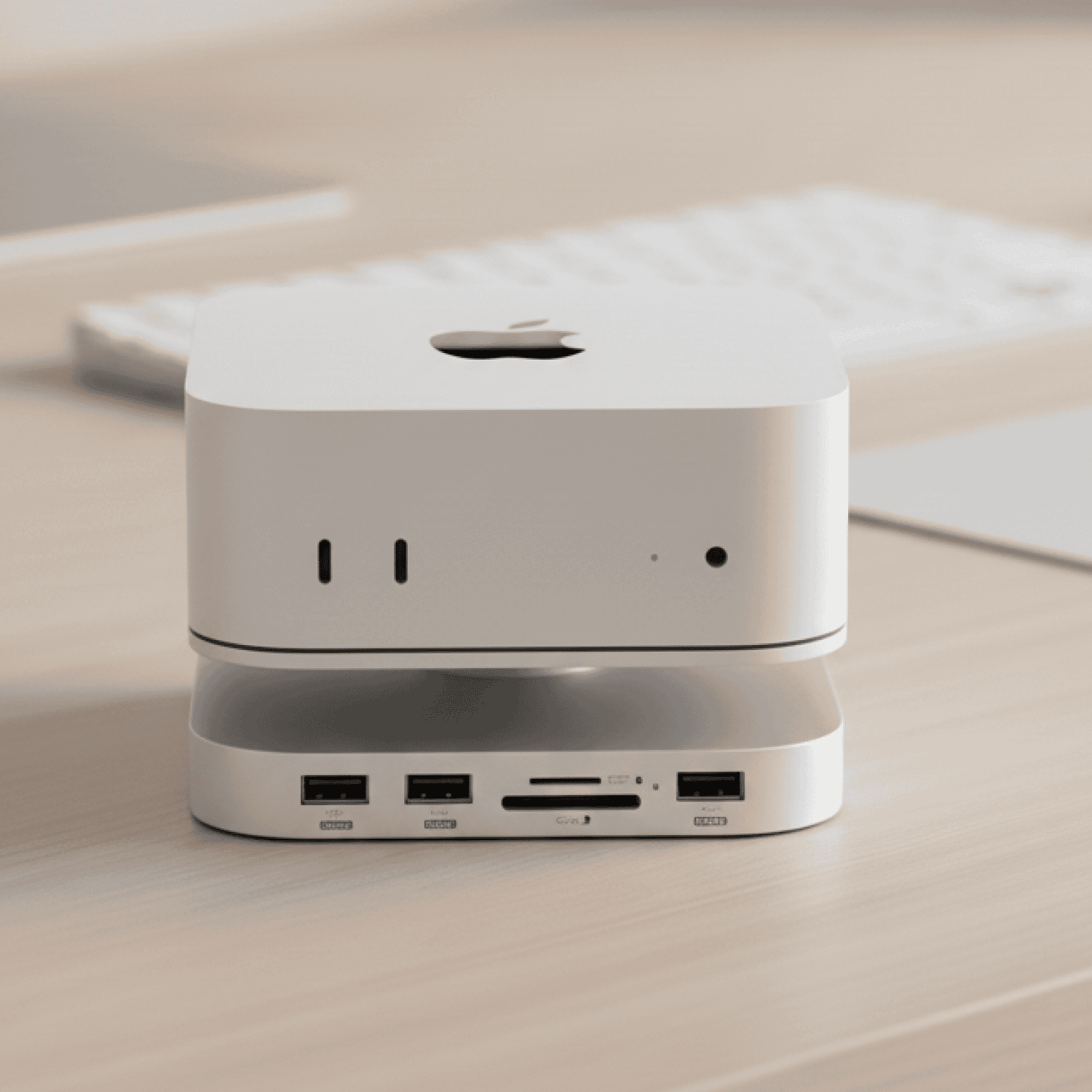
Mac Mini M4 docking station with SSD HDMI
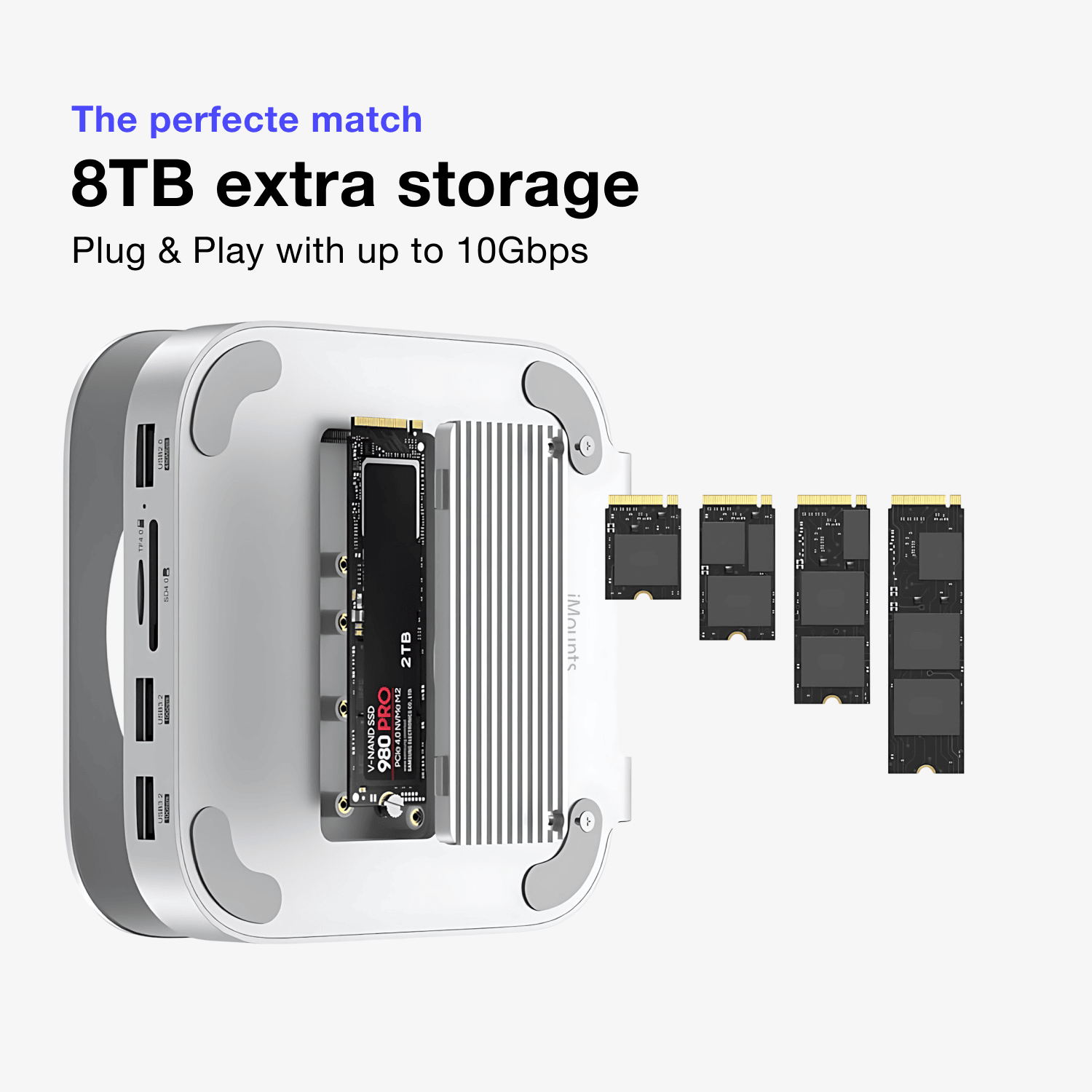
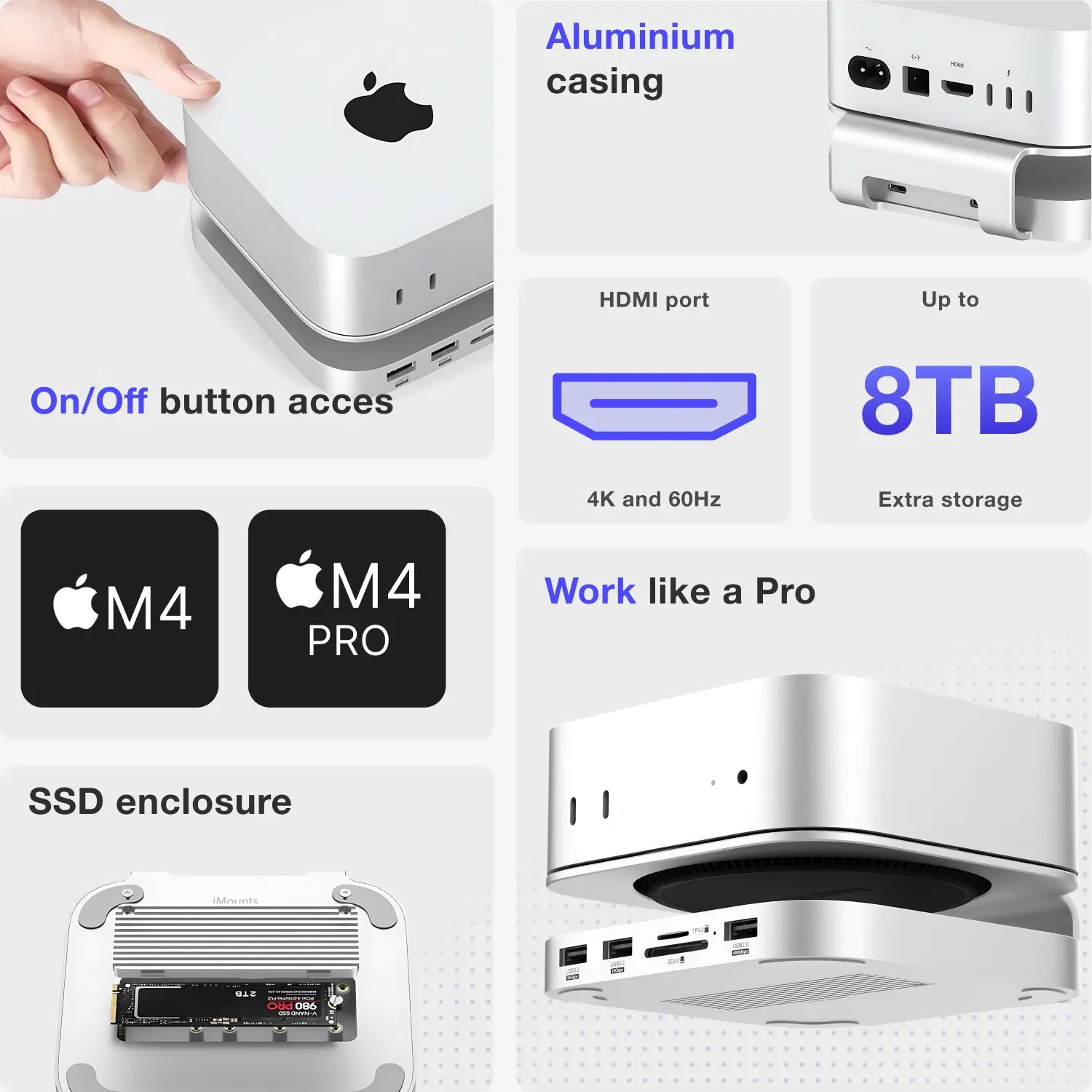
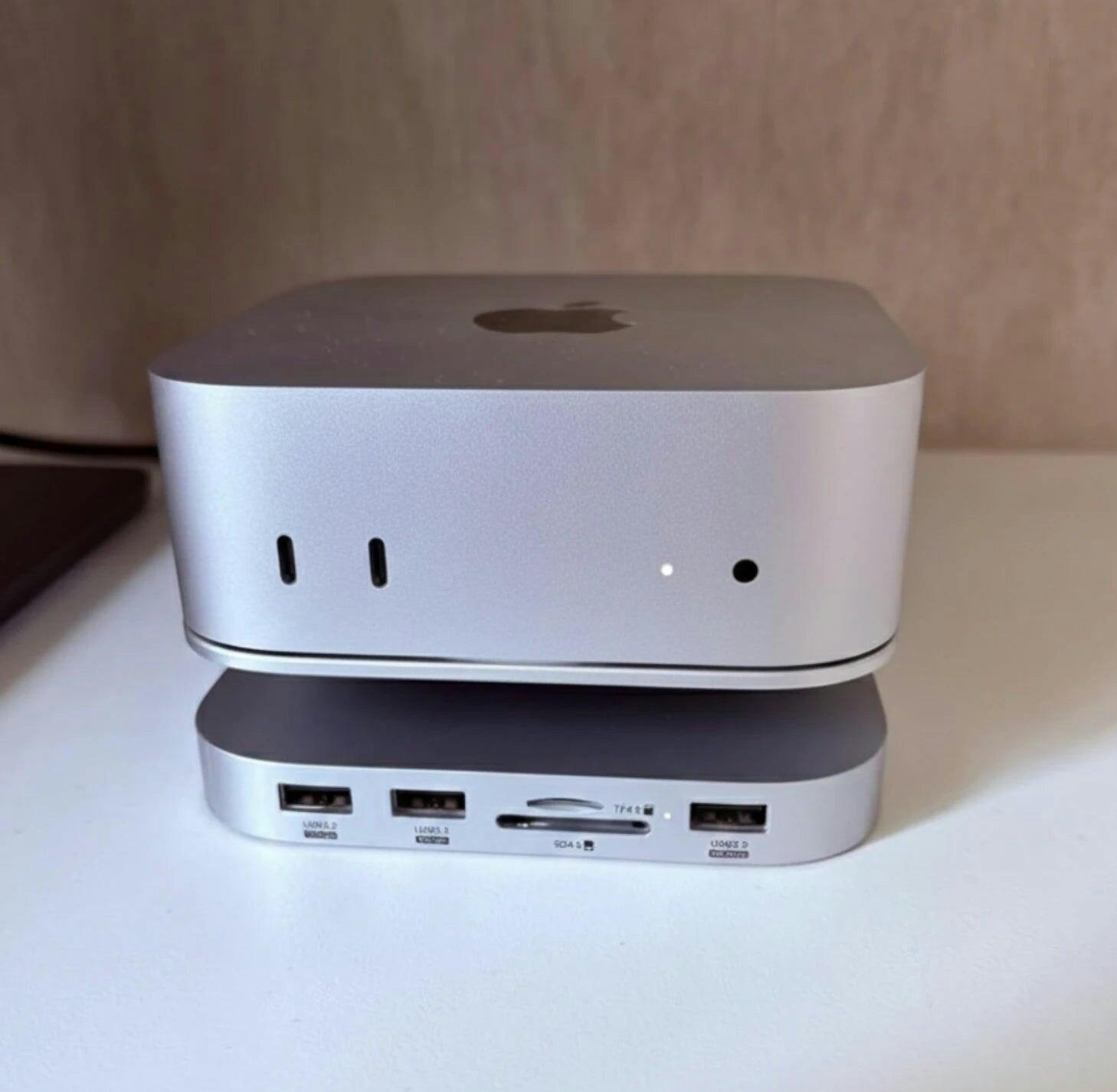
- Expand your Mac Mini M4 storage to 8TB with an M.2 NVMe SSD – More storage space and higher speed to store your files
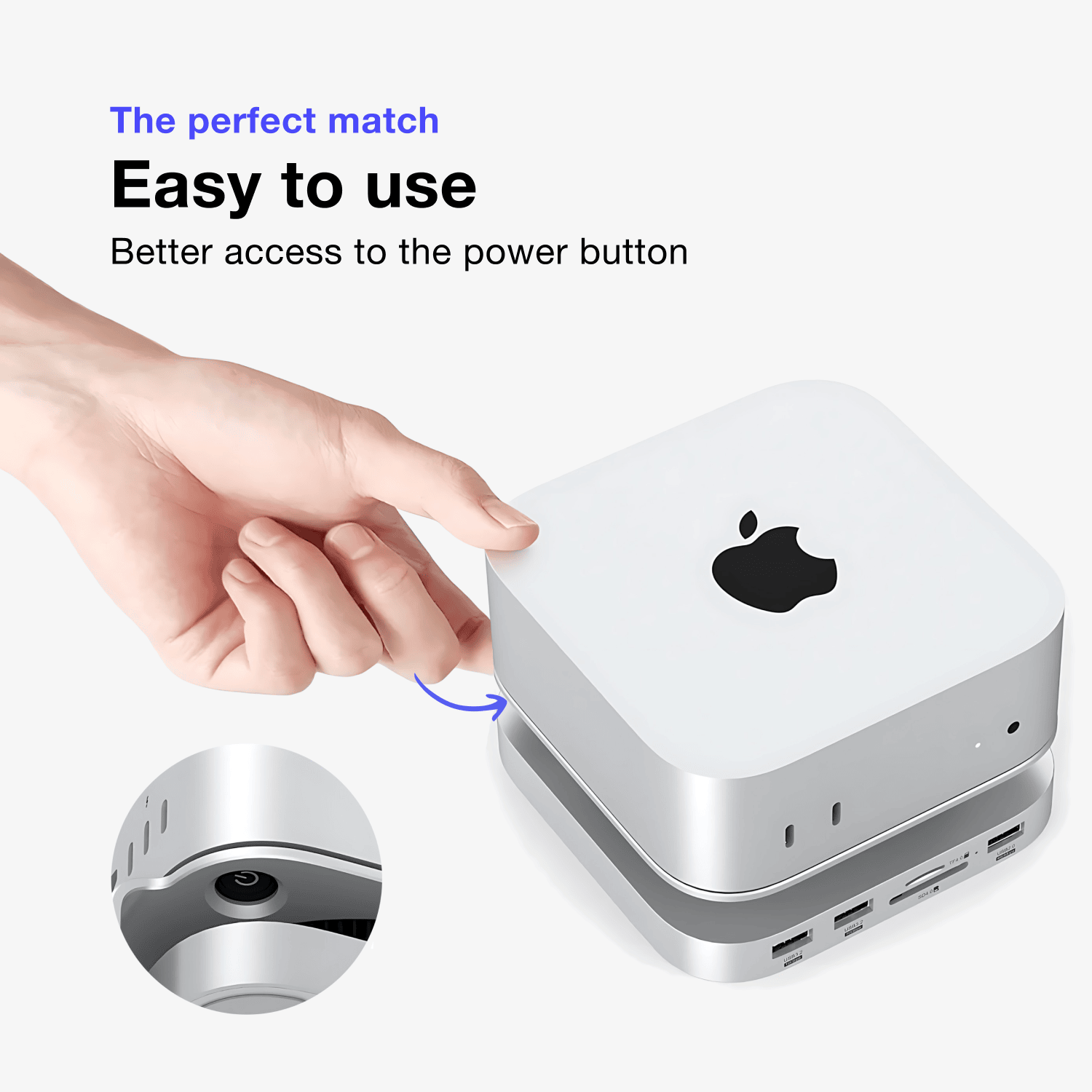
- Easy access to the on/off button – Thanks to the raised design, the power button remains easily accessible at all times.
- Connect an additional 4K monitor via HDMI (60Hz) – Ideal for multitasking and creative use with an extra monitor
- Aluminum docking station with scratch protection – Rubber pads protect both your desk and your Mac Mini
- Extra ports for maximum productivity – Equipped with convenient USB ports and an SD card reader
- Sleek and stylish design – Perfectly matches the design of the Mac Mini M4
Ordered before 10:00 PM on Mon-Fri, delivered tomorrow
Free returns and standard 1 year warranty
Do you need advice?
Ask us a question via the chat box
Made for the next generation of Mac Minis
Additional storage
More gates
Made for Mini
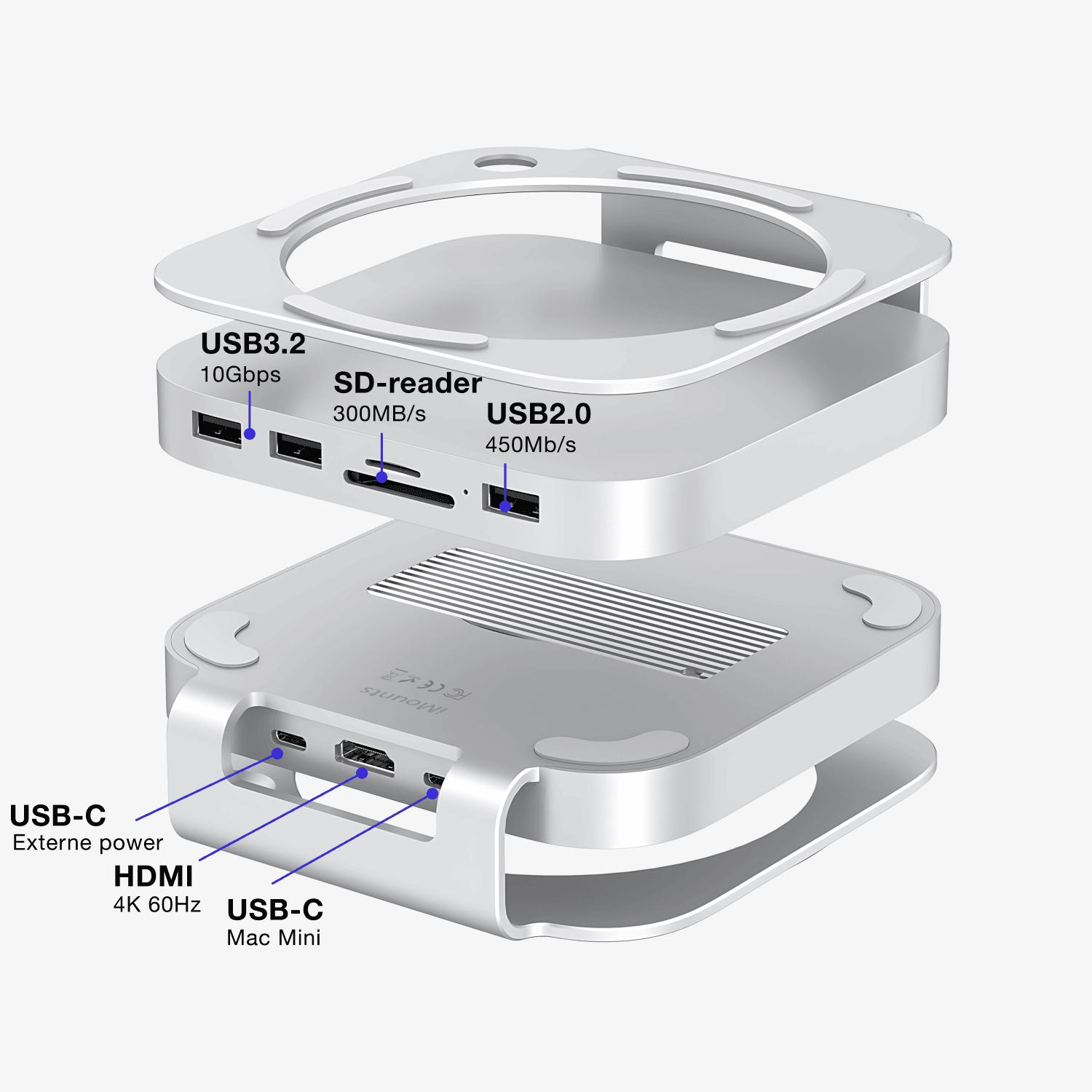
Specifications of the Mac Mini docking station
Do you want to know exactly what this hub can do? The table shows all specifications.
M.2 NVMe (up to 8TB)
1080HD, and 4K at 60Hz
Data transfer up to 10Gbps and power output for USB peripherals
Suitable for SD and TF cards up to 256GB and maximum 300MB/s
Data transfer up to 480Mb/s and power output for USB peripherals
Connect to your Mac Mini
Optional extra power input (20W), only needed when you draw a lot of power from the USB ports.
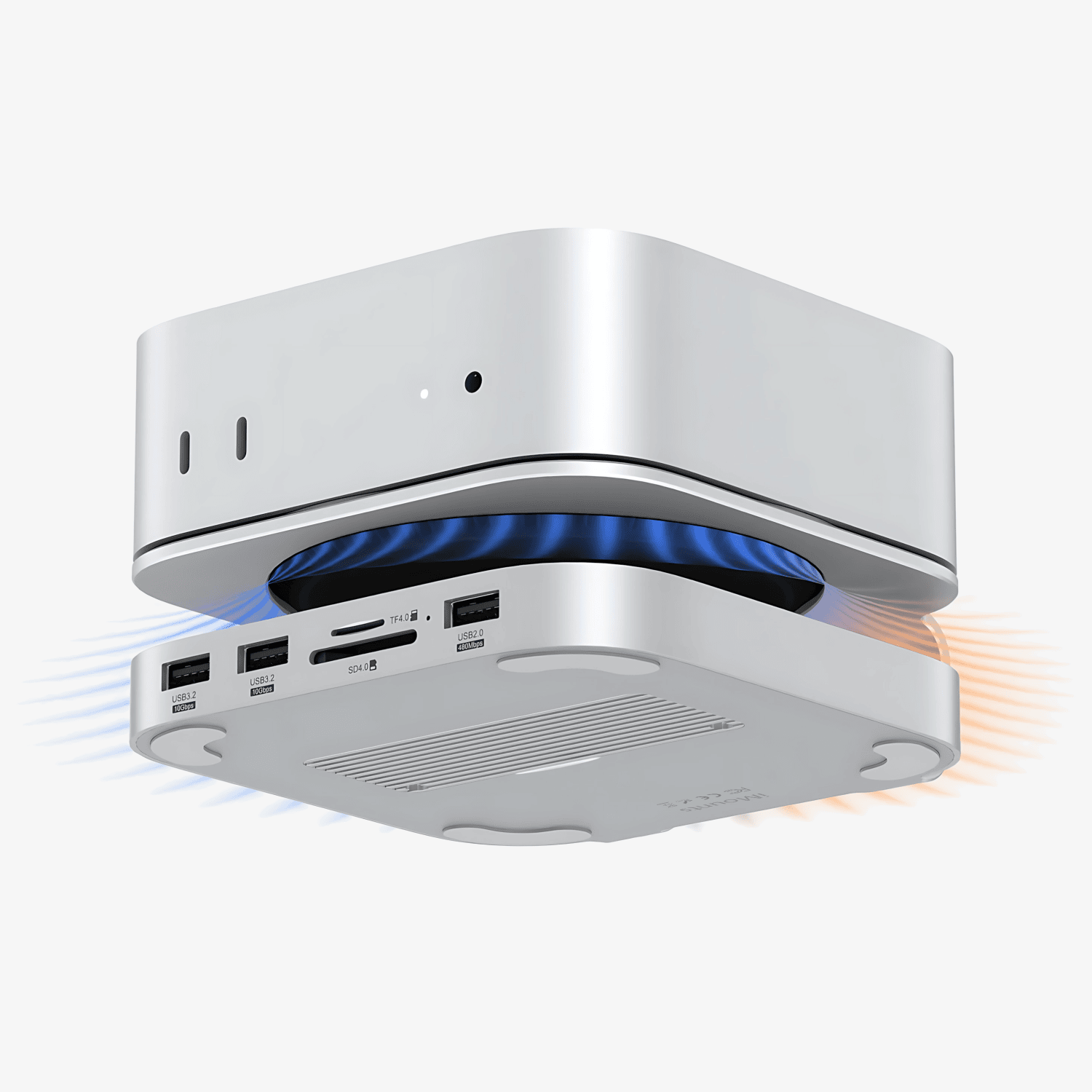
Improved Airflow
The elevation ensures optimal heat dissipation, maximum performance.
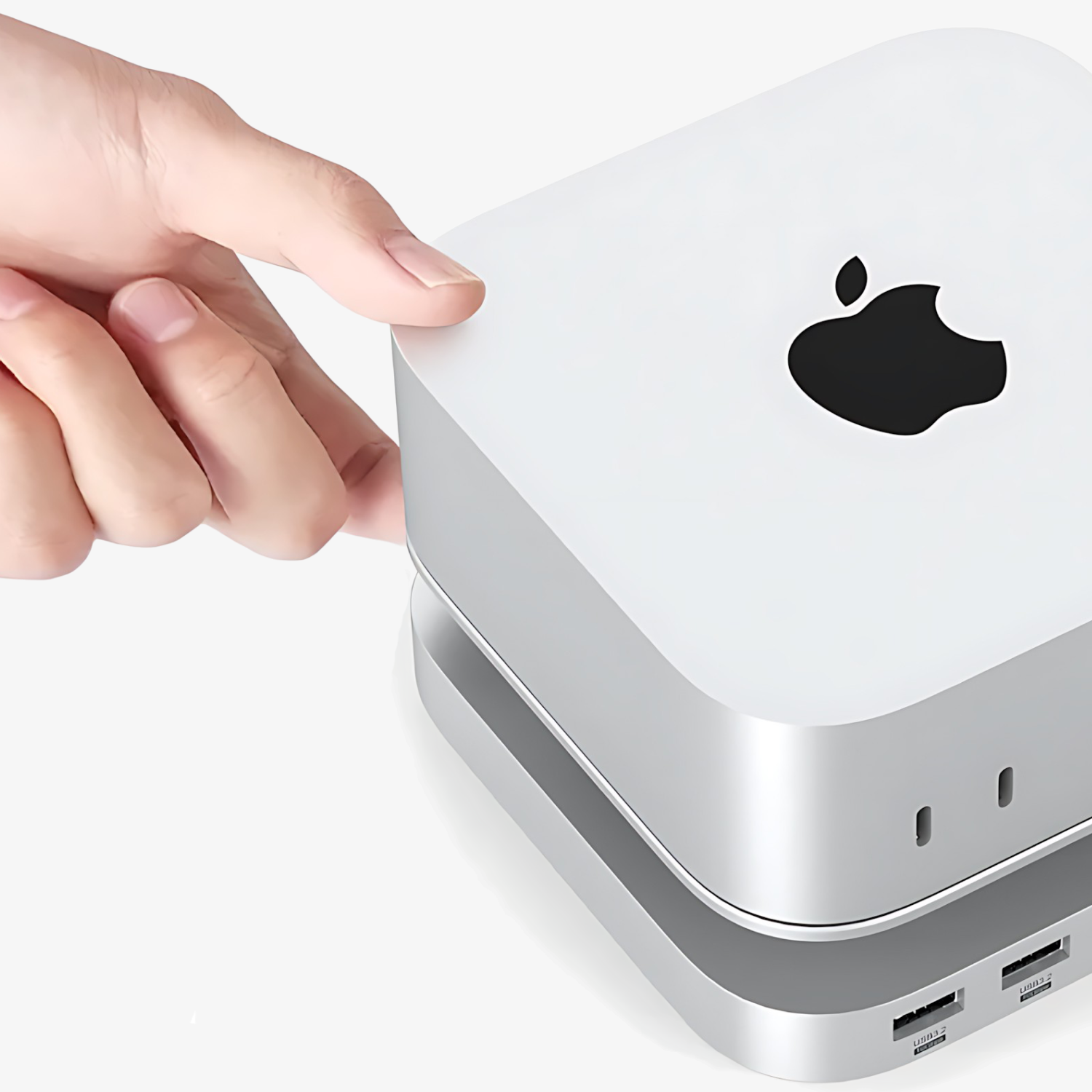
On/Off switch
Apple doesn't make it easy, but the iMounts Mac Mini M4 Stand ensures that you can easily reach the power button.
More options
Boost your Mac Mini with the iMounts docking station and get the most out of your Mini!
Improved Airflow
The elevation ensures optimal heat dissipation, maximum performance.
On/Off switch
Apple doesn't make it easy, but the iMounts Mac Mini M4 Stand ensures that you can easily reach the power button.
More options
Boost your Mac Mini with the iMounts docking station and get the most out of your Mini!
Frequently asked questions about iMounts Mac Mini docking station
We have already collected the answers for you from the iMounts Mac Mini docking station
Which SSDs can I use in the Mac Mini Docking Station?
How much extra memory can I add in GB?
Does this work with an external monitor?
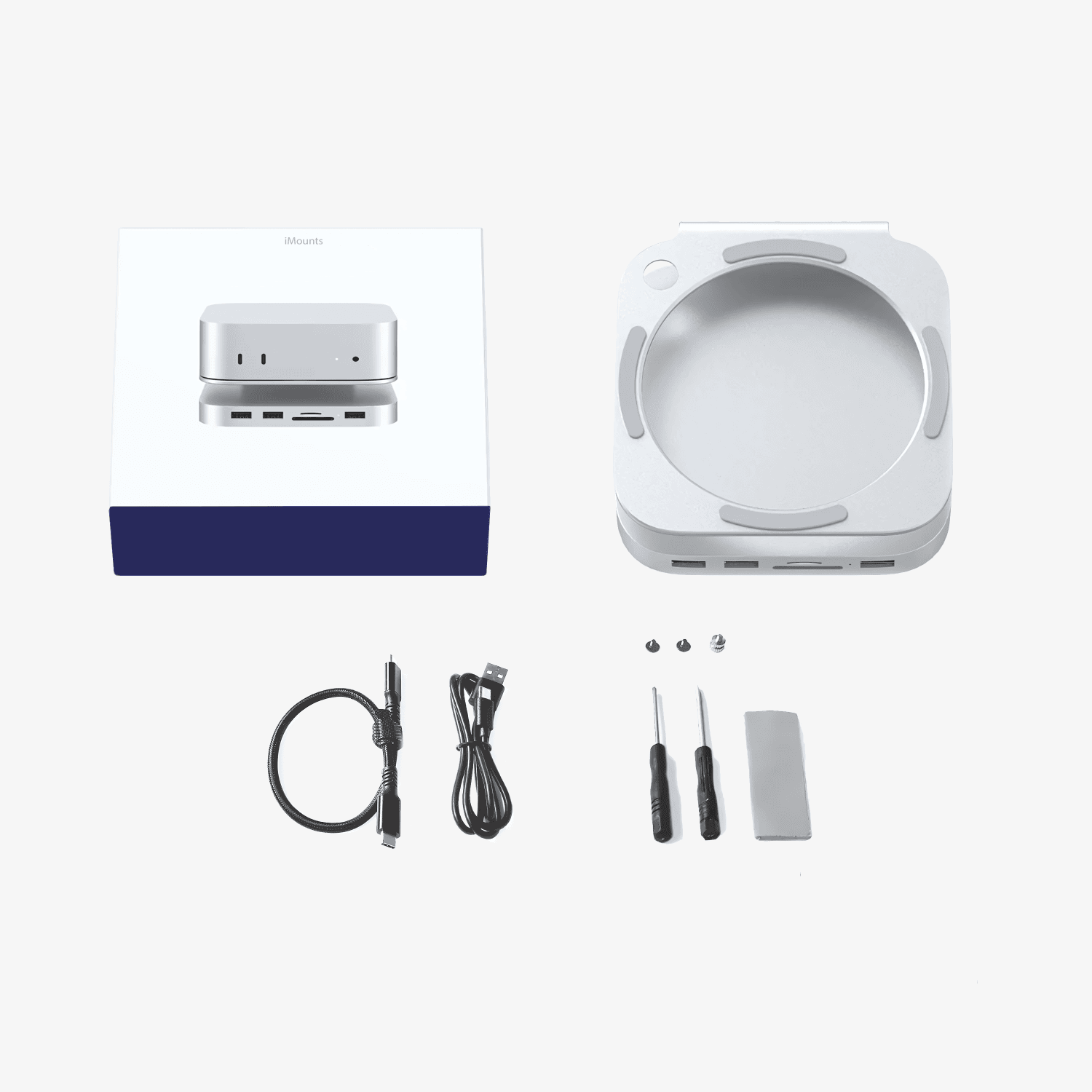
Does the docking station require external power and which cables are included?
Any questions?
You can contact us through our contact page! We will be happy to assist you.

Get the most out of your Mini
Small format, great potential. With our USB-C hub, you can connect everything your Mac Mini needs: two monitors, fast storage, external devices. Without fuss, without clutter.