Mac Mini M4 Power Button Hard to Reach? Here's the Solution
The new Mac Mini M4 (2024) is blazing fast, quiet, and compact—exactly what you'd expect from Apple. But… there's one thing that's bothering a lot of users: the hard-to-reach power button . In this blog post, we explain why this is a problem and how you can easily solve it with a stylish stand.

❌ The problem: the hidden power button
Apple opted for a minimalist design for the Mac Mini M4, placing the power button on the right rear. This seems logical on paper, but in practice, it's incredibly inconvenient. Especially if your Mac Mini is positioned under or behind your display, you have to lift or rotate the entire unit to reach it.
Why is the button so hard to reach?
Apple deliberately opted for a sleek, clean look without any buttons on the front. This keeps the design minimalist, but it comes at the expense of usability. For everyday use, such as quickly restarting or turning on the phone, this isn't exactly practical.
✅ The solution: a Mac Mini M4 Stand with better access
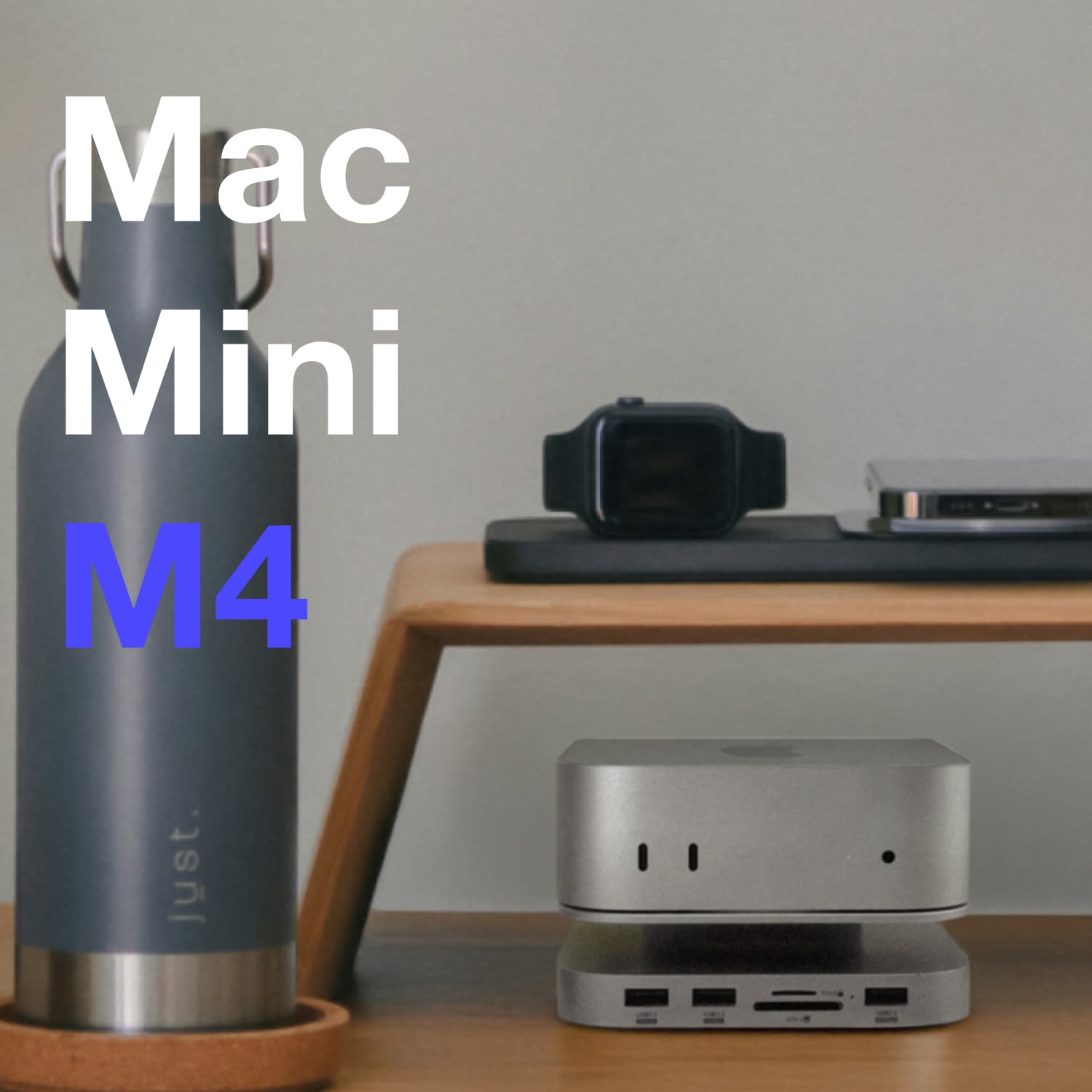
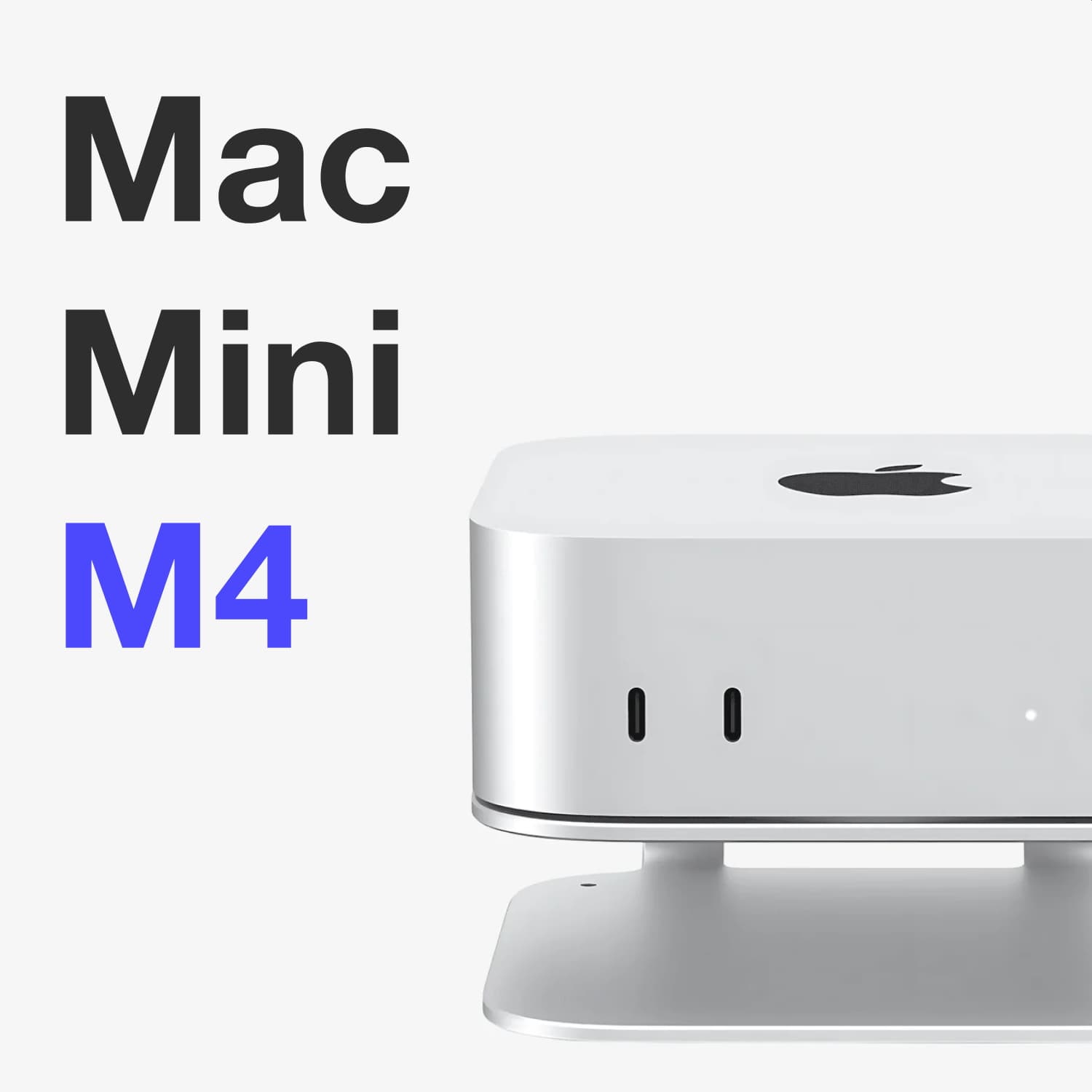
Luckily, there's a simple solution: the iMounts Mac Mini M4 Stand . This sturdy and stylish mount elevates your Mac Mini slightly, making the power button easily accessible from the side . No more twisting or tilting—just click and go.
Slim design for everyday use
This stand is specifically designed for the latest Mac Mini M4 and M4 Pro (2024/2025) . It subtly elevates your device without detracting from the sleek Apple design. Moreover, it prevents scratches on your desk thanks to the non-slip pads on the bottom.
More comfort, less frustration
Every second you spend searching for that annoying power button is one too many. This stand solves that problem instantly – stylish, practical, and affordable. Ideal for those who work with their Mac Mini daily or simply want to get the most out of their workspace.
Upgrade your setup with the Mac Mini M4 stand today—and experience the difference.